


IPTV Boxes: A Complete Guide to Features, Setup and Choosing the Right Device
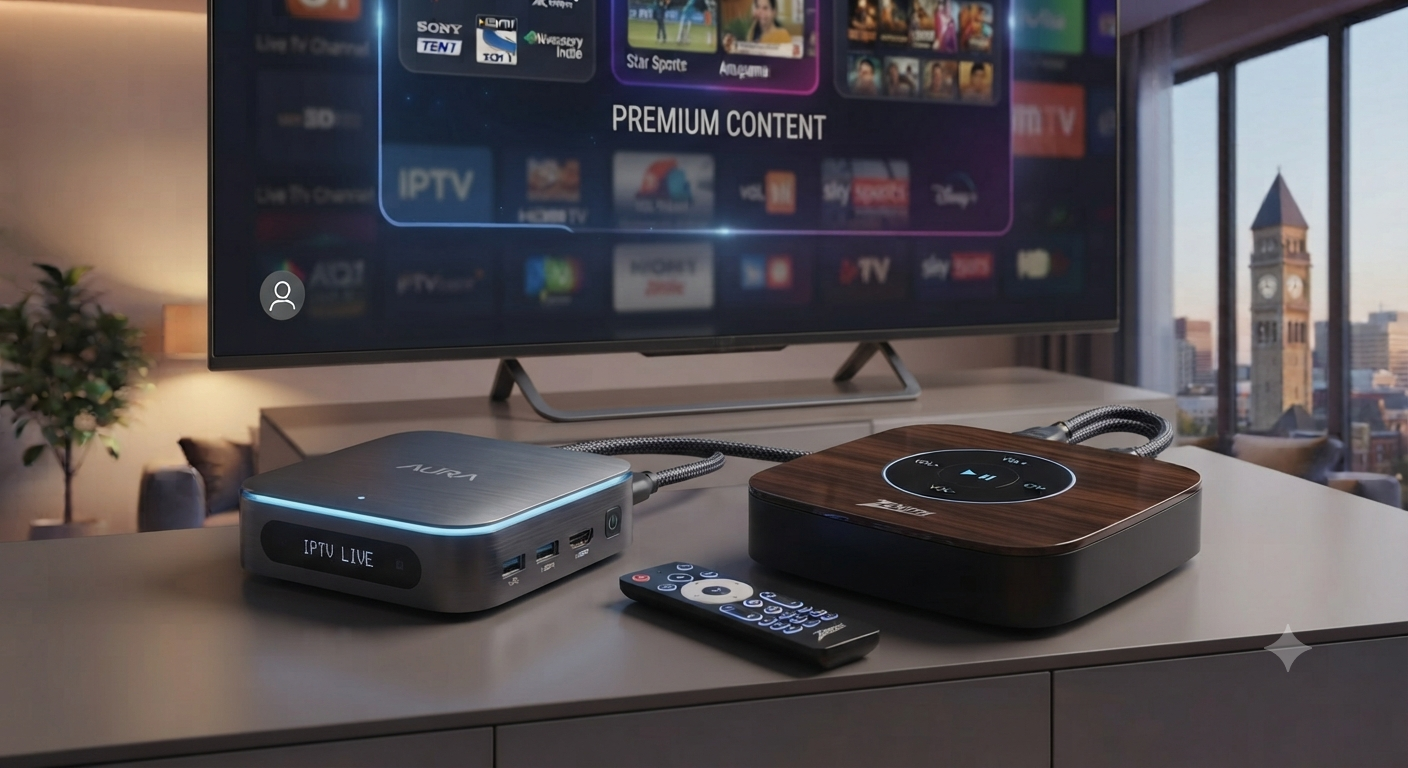
Watching television through an internet connection has become a popular alternative to conventional entertainment setups. Streaming devices make it possible to access compatible applications and digital content directly on a television.
Among these devices, IPTV Boxes are designed to support internet-based television applications and streaming experiences. They can be useful for viewers who want to connect a compatible platform to their television without relying on built-in Smart TV software.
Before purchasing one, it is important to understand how these devices work and what features matter.
What Are IPTV Boxes?
An IPTV box is a streaming device that connects to a television and uses an internet connection to access compatible applications and content.
Depending on the hardware and software, these devices may support live television applications, video streaming platforms, and other entertainment services.
Most devices connect to a television through an HDMI port and access the internet through Wi-Fi or Ethernet.
The actual features depend on the device specifications and supported applications.
How Does an IPTV Box Work?
The basic setup is relatively straightforward.
First, connect the device to your television using an HDMI cable. Next, connect it to your home internet network.
Once the initial setup is complete, install or open a compatible application according to the device manufacturer's instructions.
The application then accesses supported content through the internet.
Remember that the device itself does not automatically provide television channels. Access to particular programming may require a compatible application and an authorized subscription.
Important Features to Consider
Processor and Performance
A capable processor helps applications run smoothly. Consider the device specifications and whether they meet the requirements of your preferred streaming applications.
RAM and Storage
RAM supports application performance, while internal storage provides space for applications and related data.
Choose specifications that suit your expected usage.
Video Resolution
Check whether the device supports the video resolutions you need, such as HD or 4K.
Your television and the streaming platform must also support the selected resolution.
Wi-Fi and Ethernet
Reliable network connectivity is important for streaming.
Dual-band Wi-Fi can provide additional connectivity options, while an Ethernet port may offer a more stable wired connection.
Operating System
Check which operating system the device uses and whether it receives security and software updates.
Application compatibility is an important factor when choosing a streaming box.
IPTV Boxes vs Built-In Smart TV Applications
Both options can provide access to internet-based entertainment, but they have different advantages.
A Smart TV may already include compatible streaming applications, reducing the need for additional equipment.
An external streaming box can offer another software environment and may provide features not available through an older television's built-in system.
The best option depends on your television, application requirements, and preferred features.
How to Set Up an IPTV Box
Most compatible devices follow a similar installation process.
Step 1: Connect the Device
Use the HDMI cable to connect the streaming box to your television.
Step 2: Connect to the Internet
Choose your Wi-Fi network or use Ethernet if supported.
Step 3: Complete Initial Setup
Follow the on-screen instructions to configure the device.
Step 4: Install Compatible Applications
Use the official application store or the manufacturer's recommended installation method.
Step 5: Configure Your Streaming Service
Follow the provider's instructions and use authorized access details.
Always avoid installing unknown applications from untrusted sources.
How to Choose the Right IPTV Box
Before purchasing, consider your television's resolution, available connectivity, application requirements, storage needs, and budget.
Also check warranty coverage, manufacturer support, and software update policies.
Avoid buying a device simply because it advertises an unusually large number of channels. Channel access depends on the application and authorized content provider, not just the hardware.
Frequently Asked Questions
Do IPTV boxes require an internet connection?
Yes. Internet connectivity is necessary for accessing online television and streaming applications.
Can I connect an IPTV box to any television?
Most modern televisions with a compatible HDMI input can connect to suitable streaming boxes. Check the device's requirements.
Do IPTV boxes automatically include channels?
No. The box is hardware. Access to channels depends on compatible applications and authorized content subscriptions.
Is 4K support important?
It can be useful if you own a 4K television and use applications that provide compatible 4K content.
Are IPTV boxes better than Smart TVs?
Neither option is automatically better. Your choice depends on your television's built-in features, software compatibility, and hardware requirements.
Final Thoughts
IPTV boxes can make internet-based television accessible through compatible televisions. However, choosing the right device requires checking performance, connectivity, software support, and application compatibility.
Research the specifications carefully and select equipment that matches your viewing requirements rather than relying only on promotional features.

 English
 Arabic
 French
 Spanish
 Portuguese
 Turkish
 Dutch
 Italiano
 Russian
 Romaian
 Portuguese (Brazil)
 Greek