


Legal Billing Software for Law Firms | Cyberspace
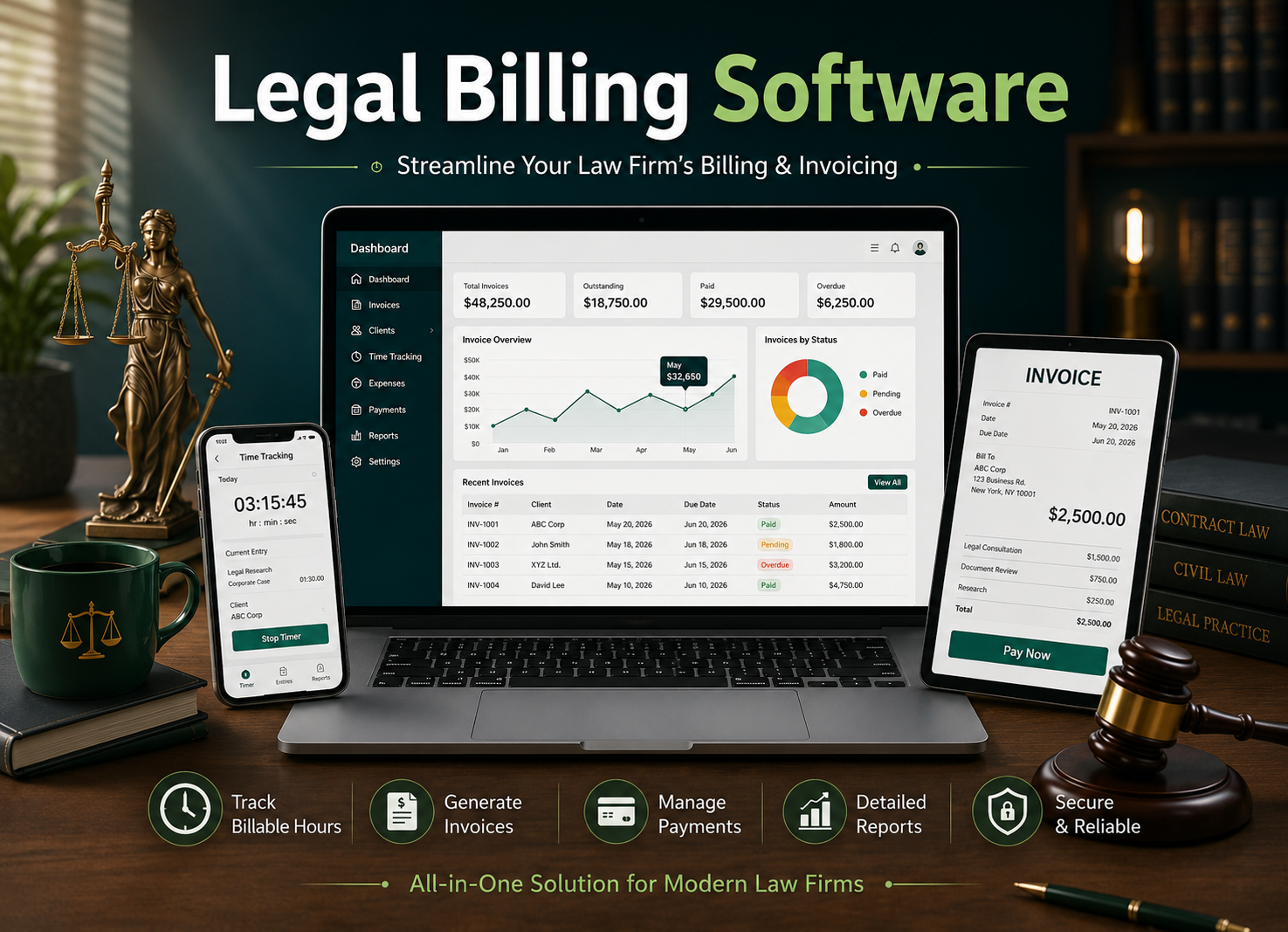
Every law firm knows the feeling at the end of a busy quarter. The work is done, but the billing is not. Half-remembered calls, timesheets scribbled on the last day of the month, and invoices that go out two weeks late. This is exactly the gap that
legal billing software is built to close.
Cyberspace builds billing tools around how lawyers actually work: time first, invoice second, with as little retyping as possible in between. If your firm is still stitching together spreadsheets and email threads, this guide explains what to look for and what to expect.
What is legal billing software?
Legal billing software records the time lawyers spend on each client matter, turns those hours into invoices at the right rates, and tracks what has been paid. It replaces manual timesheets and spreadsheet billing with one connected record, so what a lawyer logs on Monday is what the client sees on the invoice.
Why billing breaks down in many firms
Most billing problems are not about effort. They come from process gaps that quietly add up:
- Time is logged late. Hours recorded days afterward are usually underestimated, which means unbilled work.
- Rates are applied by hand. Partners, associates, and attorneys often bill at different rates, so manual calculation invites errors.
- Invoices take too long. The longer an invoice waits, the longer payment waits.
- Reports are hard to pull. Without clean data, it is difficult to see which matters are profitable and which are running over budget.
A good system fixes these at the source rather than adding another step.
How modern legal billing systems help
Here is how the main parts of a billing system map to everyday problems. The features below are those offered in the
Cyberspace legal time billing system.
| Everyday problem | What helps |
|---|---|
| Hours slip through the cracks | Time and productivity tracking, down to the minute |
| Invoices take days to prepare | Invoices built from bill rates and tracked hours |
| Clients ask for clearer reports | Reports emailed directly or exported to PDF |
| Matters overrun their budget | Budget limits and expense recording |
| Hard to see firm performance | Dashboards, reports, and analytics |
| Staff workload is unclear | Resource management and calendaring |
What to look for in law firm billing software
Before choosing any tool, test it against these questions:
- Can lawyers log time quickly? If it feels like extra work, people will skip it.
- Does it handle different bill rates? Your firm likely has more than one.
- Can clients receive invoices without extra steps? Email delivery and PDF export save real time.
- Does it show you the full picture? Look for reports on billable hours, project costs, and staff time.
- Does the vendor offer a demo? Seeing your own workflow in the software beats any brochure.
Where billing software for law firms pays off
Firms that move from manual billing usually notice improvements in a few places:
- Fewer missed billable hours, because time is captured as work happens.
- Faster invoicing, since hours and rates are already in the system.
- Better client conversations, because clear records make questions easier to answer.
- More time for legal work, since less of the day goes to admin.
- Easier budgeting, as past data makes estimates more precise.
Results depend on how consistently your team uses the system, so plan a short rollout and agree on simple logging habits from day one.
A simple end-of-year checklist
If you are reviewing your billing process before the year closes, start here:
- Compare logged hours against actual matter activity for the last three months.
- Check how many days pass between finishing work and sending the invoice.
- List the reports you wish you had but cannot easily produce.
- Note any invoice disputes and trace their cause.
If several of these points are painful, it may be time to look at a dedicated tool. You can explore what Cyberspace offers on the
law firm billing software page or request a free demo to see it with your own workflow in mind.
Frequently asked questions
What is the difference between legal billing software and general accounting software?
Accounting software records money in and out. Legal billing software starts earlier, capturing billable time per matter and per lawyer, then produces invoices from it.
Can small firms use billing software for law firms?
Yes. Small firms often benefit most, since each missed hour is a larger share of revenue.
Does it help with payroll?
The Cyberspace system lets you record billable hours so they can support both billing and payroll.
Can I try it first?
Yes. Cyberspace offers a free demo and pricing details on request through the contact form on the product page.
Better billing rarely needs a big overhaul. It needs hours captured on time, rates applied correctly, and invoices sent promptly. If that is the goal for your firm next year, the right
legal billing systems make a practical starting point.

 English
 Arabic
 French
 Spanish
 Portuguese
 Deutsch
 Turkish
 Dutch
Dutch
 Italiano
 Russian
 Romaian
 Greek
Greek