


Why do some channels have delayed audio only during live sports?
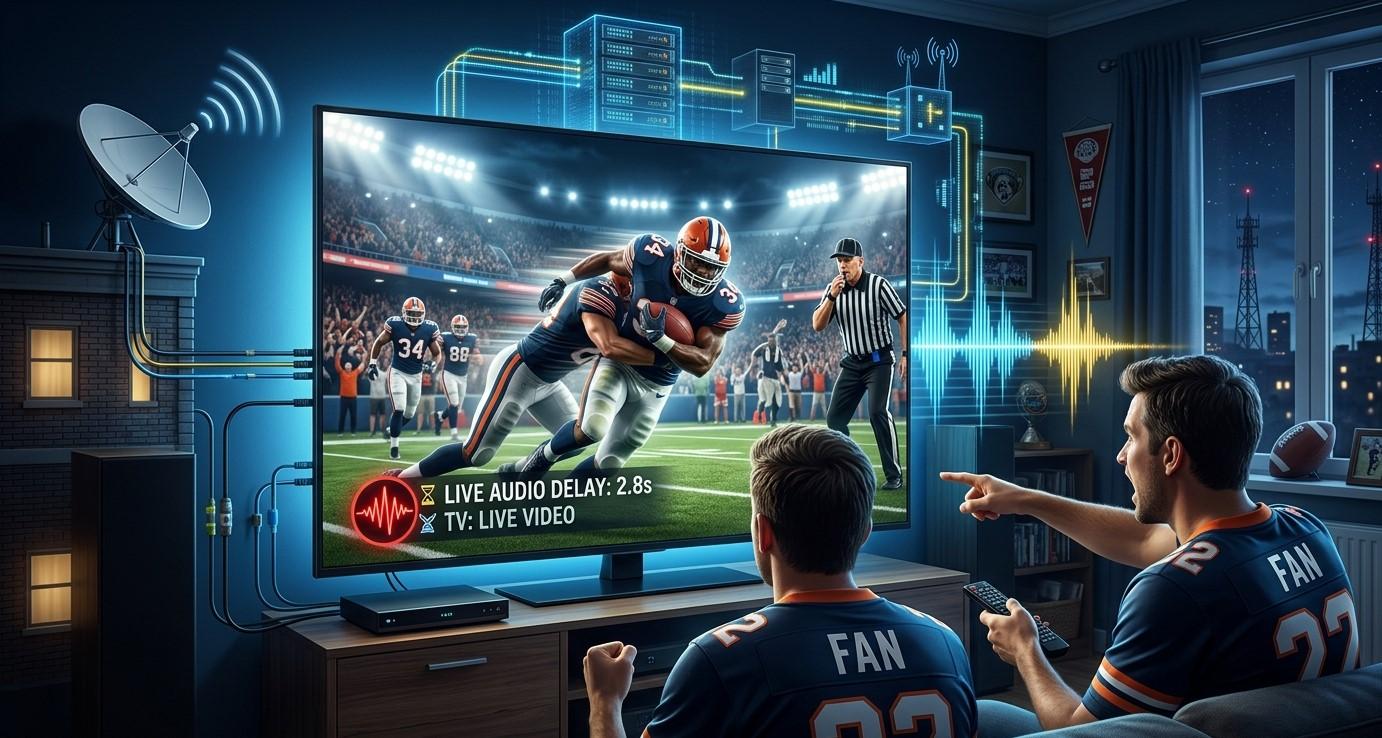
If you've noticed that audio sync issues seem to pop up specifically during live cricket matches or other sports broadcasts, while everything else streams fine, you're not imagining a pattern. Live sports place unique demands on broadcast and streaming infrastructure that other content simply doesn't. In this guide, we'll explain why audio delays happen more often during live sports, and what you can do about it with your IPTV India subscription and Indian IPTV Box.
Table of Contents
- Why Live Sports Are Different
- Broadcast-Side Causes
- Streaming and Provider-Side Causes
- Your Own Network and Device Factors
- Why It's Rarely Noticeable on Other Content
- How to Troubleshoot During Live Sports
- Realistic Expectations for Live Sports Streaming
- FAQs
Why Live Sports Are Different
Unlike a pre-recorded show or movie, live sports involve real-time production, multiple camera feeds, commentary being added live, and often a signal that travels through several stages before reaching your IPTV India provider and ultimately your screen. Each of these stages introduces a small amount of processing time, and audio and video don't always move through them at exactly the same speed.
Broadcast-Side Causes
Much of the delay can originate before the content even reaches your IPTV provider:
- Live production complexity – Commentary, graphics overlays, and multiple camera angles all need to be mixed together in real time, which can introduce slight timing inconsistencies
- Satellite or long-distance transmission – International sports coverage often travels a long physical distance before reaching broadcasters, adding natural delay
- Multiple audio sources – Some broadcasts blend stadium sound, commentary, and other audio elements, which can occasionally fall slightly out of sync during the mixing process
- Different processing for audio and video signals – In some broadcast setups, audio and video are technically processed through slightly different paths, making minor sync drift more likely during complex live events
Streaming and Provider-Side Causes
Once the broadcast reaches your provider, additional factors can contribute:
- Live encoding demands – Converting a live broadcast into a streamable format in real time is more processing-intensive than handling pre-recorded content, increasing the chance of minor sync issues
- Server load during high-viewership events – Popular matches draw significantly more simultaneous viewers, which can strain server resources more than typical programming
- Multiple re-encoding steps – Some providers process live signals through several stages before final delivery, and each step is a potential point where audio and video could drift slightly
Your Own Network and Device Factors
While broadcast and provider issues are common culprits, your own setup can also play a role:
- Inconsistent internet speed during high-demand viewing periods, common during major live sporting events
- Device processing limitations, particularly on older or lower-performance devices struggling to decode live streams smoothly
- TV audio processing delays, which can introduce a slight lag between video and audio on certain television models
- HDMI or cable issues, though less common, can occasionally contribute to sync problems specifically during more demanding live content
Why It's Rarely Noticeable on Other Content
On-demand shows and movies are typically encoded once, in advance, with time to carefully verify that audio and video are properly synchronized before the content is ever made available to stream. Live sports don't have this luxury, since everything happens in real time with no opportunity for pre-release quality checks. This is the core reason sync issues tend to cluster around live sports specifically, rather than appearing consistently across your entire Indian IPTV Box experience.
How to Troubleshoot During Live Sports
If you notice audio delay specifically during a live match, try these steps:
- Check your internet speed to confirm it meets recommended levels for live streaming
- Restart your Indian IPTV Box to clear any temporary processing issues
- Check your TV's audio delay or lip-sync adjustment settings, if available, to manually correct minor drift
- Try switching to a different device, if possible, to see if the issue is specific to one piece of hardware
- Test a different channel broadcasting the same or similar type of content, to see if the issue is isolated to one specific channel's feed
- Use a wired connection during major live events for the most stable possible performance
Realistic Expectations for Live Sports Streaming
It's worth setting reasonable expectations: minor audio sync issues during high-demand live sports broadcasts are relatively common across many streaming services, not just IPTV specifically. While a well-run provider with strong infrastructure will minimize these issues, some degree of occasional drift during the most demanding live events is a normal part of real-time broadcasting and streaming, rather than necessarily indicating something is wrong with your specific setup.
FAQs
1. Is delayed audio during live sports a sign of a problem with my internet?
Not necessarily. It's often related to the complexity of live broadcasting and streaming itself, rather than your specific internet connection.
2. Why don't I notice audio delay on regular TV shows or movies?
Pre-recorded content is processed and verified in advance, allowing sync issues to be corrected before release, unlike live broadcasts happening in real time.
3. Can my Indian IPTV Box cause audio delay specifically during sports?
It's possible if the device struggles to process demanding live streams, though broadcast and provider-side factors are often more significant contributors.
4. Is there a way to fully eliminate audio delay during live sports?
Completely eliminating it isn't always possible, since some delay is inherent to live broadcasting, though your TV's audio sync settings can help minor adjustments.
5. Does this issue happen with all IPTV providers, or just some?
It can happen across various providers and even traditional broadcast television, since live sports present unique technical challenges regardless of the specific service.
Enjoy the Game with Minimal Interruptions
While occasional audio sync issues during live sports are a normal part of real-time broadcasting, a reliable IPTV India provider paired with a well-maintained Indian IPTV Box helps minimize disruptions. Explore our IPTV plans today and get closer to a smooth, enjoyable live sports experience.

 Arabic
 French
 Spanish
 Portuguese
 Deutsch
 Turkish
 Dutch
Dutch
 Italiano
 Russian
 Romaian
 Portuguese (Brazil)
 Greek
Greek