


How to Download Facebook Reels From a Shared Link
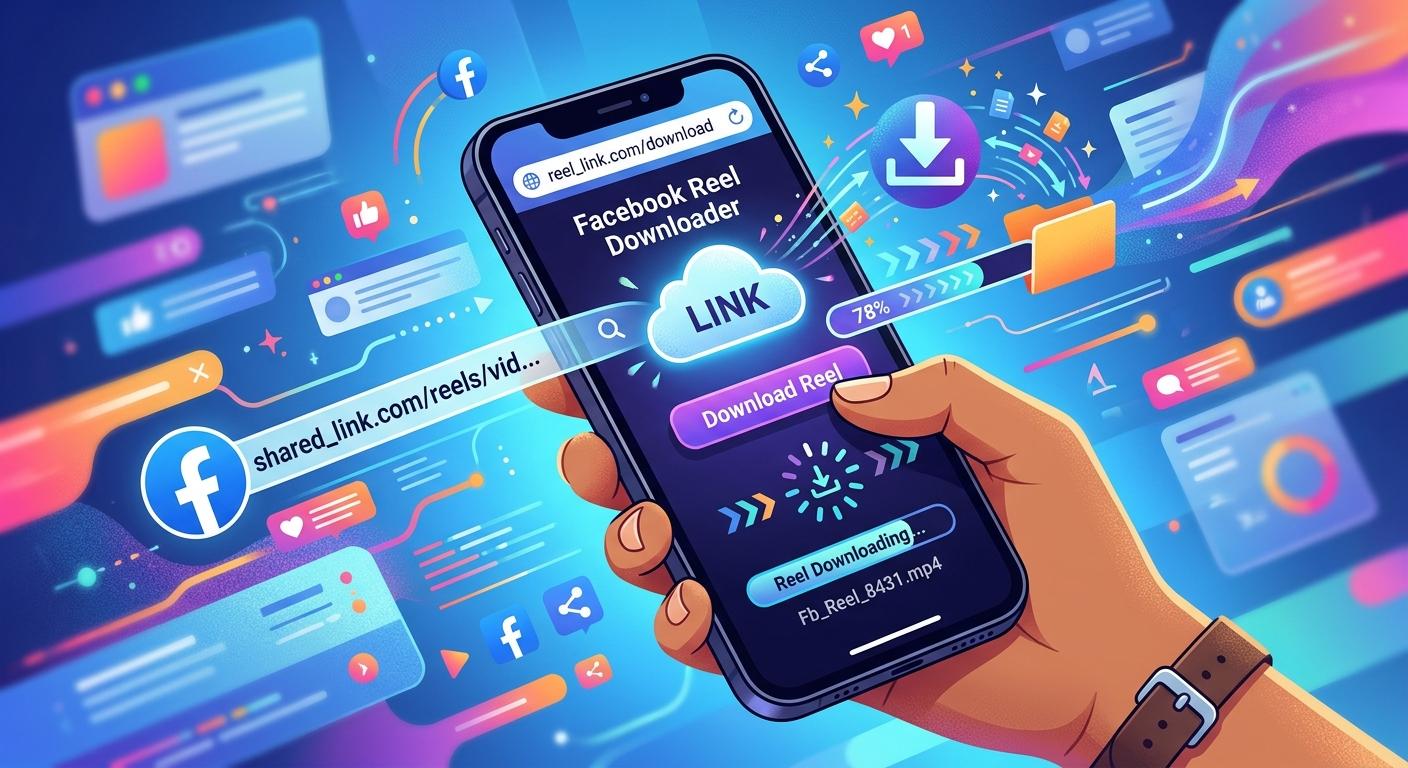
A Facebook Reel can be easy to watch and surprisingly difficult to keep when all you have is a shared link. You may have received the Reel in a message, copied its URL from Facebook, or saved the link for later. If you want an offline copy, the key is understanding whether the Reel is publicly accessible and which download option fits the content.
This guide explains how to download Facebook Reels from a shared link using a browser-based approach, what can prevent a download from working, and how to keep the original video quality as much as possible. It also covers privacy, copyright, mobile compatibility, and practical troubleshooting so you can avoid wasting time on unreliable methods.
What Is a Facebook Reel Shared Link?
A shared link is simply the web address that points to a specific Facebook Reel.
When someone sends you a Reel through a messaging app or social platform, you may receive a URL rather than the actual video file. Opening that link takes you back to Facebook, where the Reel's availability depends on its privacy settings, the creator's account, and whether the content is still online.
This distinction matters because a link is not the same thing as a downloadable video file.
A browser-based downloader can sometimes process a publicly accessible Reel URL and provide a video file for offline use. However, no third-party tool can guarantee access to every Facebook post, particularly when a Reel is private, restricted, removed, or otherwise unavailable.
Can You Download a Facebook Reel From a Shared Link?
Yes, in many cases, a publicly accessible Reel can be processed from its shared URL.
The most important requirement is that the Reel must be accessible through the link. If Facebook asks you to log in, displays that the content is unavailable, or limits access to a specific audience, a third-party downloader may not be able to retrieve it.
Before attempting a download, check these points:
-
The shared link opens the intended Reel.
-
The Reel is still available on Facebook.
-
The content is publicly accessible.
-
The URL has not been shortened incorrectly or damaged when copied.
-
You have permission to save or reuse the content when permission is required.
How to Download Facebook Reels From a Shared Link
For a public Reel, the process is generally straightforward.
1. Open the shared Reel
First, open the Facebook link you received. Make sure it leads to the specific Reel you want rather than a Facebook homepage, profile, or unavailable post.
If the link opens correctly in your browser, you have already completed the most important check.
2. Copy the Reel URL
Copy the complete address from your browser's address bar or use Facebook's sharing options to copy the link.
Avoid copying text surrounding the URL. A downloader needs the actual Reel address to identify the video.
3. Use a browser-based downloader
A service such as F2DOWN can be used to process an accessible Facebook video URL without requiring a separate desktop application.
Paste the shared Reel link into the downloader's URL field and allow the service to process the address.
4. Check the available quality
If more than one quality option appears, choose the one that suits your needs.
A higher-resolution option generally produces a sharper result, but the final quality depends on the source video. If the original Reel was uploaded in lower resolution, downloading it at a higher setting cannot recreate missing detail.
This is an important point when using a Facebook Reels downloader HD option: HD output does not necessarily mean the original video was recorded or uploaded in true HD.
5. Save the video
Once the appropriate version is available, save the file to your device.
On a computer, it will normally appear in your browser's download location. On a phone, the exact location depends on the browser and operating system.
Shared Link vs. Downloaded Video
It helps to understand the difference between keeping a Facebook link and keeping a video file.
|
Feature |
Shared Facebook Link |
Downloaded Video |
|
Requires Facebook access |
Usually |
No, after saving |
|
Works offline |
No |
Yes |
|
Can disappear if the post is removed |
Yes |
The saved file remains |
|
Uses device storage |
Very little |
Yes |
|
Easy to send as a video file |
No |
Yes |
|
Original quality guaranteed |
Not applicable |
Depends on source and download |
A link is useful when you simply want to return to a Reel. A downloaded file is more practical when you need offline access or want to keep a personal copy of content you are allowed to save.
Why a Facebook Reel May Not Download
Sometimes the URL is correct but the download still fails. That does not automatically mean the downloader is broken.
The Reel is private
Privacy restrictions are one of the most common limitations. A Reel visible only to friends, members of a particular audience, or a private account may not be accessible to an external service.
The Reel was removed
The creator may have deleted the Reel, or Facebook may have removed it. If the link itself no longer opens the video, a downloader cannot reliably retrieve it.
The URL is incomplete
A copied link can occasionally be broken when it passes through another app. Try opening the URL in a browser first. If Facebook cannot identify the Reel, copy the link again directly from Facebook.
Temporary technical problems
Internet connectivity, browser issues, server-side changes, or heavy traffic can interrupt processing.
Try:
-
Refreshing the page
-
Checking your internet connection
-
Opening the Reel in another browser
-
Copying the URL again
-
Trying again later
How to Get Better Video Quality
People often assume that selecting the highest available resolution automatically gives them the best possible video. In reality, the source matters most.
For example, imagine a creator uploads a Reel at a compressed resolution. A downloader cannot turn that source into genuine higher-quality footage. It can only provide the versions made available from the source.
Mobile and Desktop Downloads
The shared-link method can be convenient because it works around the basic URL rather than requiring a dedicated application.
On Android, you can normally open the shared link in a mobile browser, copy the URL, and use a compatible browser-based service.
On iPhone, the process is similar, although downloaded files may be handled through the browser's download system and the Files app.
On desktop computers, browser downloads are usually easier to locate and manage, especially when you are saving multiple files.
The important thing is not the device itself. The main factor is whether the Reel URL is publicly accessible and supported by the downloader.
When a Facebook Video Downloader Is Useful
A browser-based Facebook video downloader can be useful when you need a personal offline copy without installing another application.
Common legitimate use cases include:
-
Keeping your own published videos
-
Saving public content you have permission to use
-
Watching a permitted video while offline
-
Archiving your own social media content
-
Keeping reference material for personal projects
It is less suitable when the source is private or when you intend to bypass access restrictions.
FAQS
1. Can I download a Facebook Reel using only its shared link?
Often, yes, if the Reel is publicly accessible and the URL points directly to the content. Private, deleted, restricted, or unavailable Reels may not be downloadable through third-party services.
2. Do I need to install an app?
Not necessarily. A browser-based service can process supported Reel links without requiring a dedicated downloader application. This can be convenient when you only need to save a video occasionally.
3. Will the downloaded Reel have the same quality as the original?
The result depends on the source and the versions available for download. Selecting the highest available quality can help, but it cannot restore detail that was already lost through compression or a low-resolution original upload.
4. Why does my shared Facebook Reel link not work?
The Reel may have been deleted, made private, restricted to a particular audience, or affected by a temporary Facebook or network issue. First confirm that the link itself still opens the Reel in Facebook.
5. Can I repost a downloaded Facebook Reel?
Downloading and reposting are separate issues. You should have the necessary rights or permission before republishing someone else's content. Copyright, creator rights, platform rules, and the specific content all matter.
Conclusion
Downloading a Facebook Reel from a shared link is usually simple when the content is public and the URL is valid. The biggest obstacles are normally privacy restrictions, unavailable posts, broken links, and differences between the original source quality and the downloadable version.
For occasional offline use, a browser-based tool such as F2DOWN can provide a convenient way to process an accessible Reel link without installing additional software. The best approach is to check the URL first, select a genuine available quality, and respect the creator's rights when saving or reusing the content.
The key takeaway is simple: a working shared link is the starting point, not a guarantee that every Reel can be downloaded. Understanding access, quality, and usage rights will help you save content more reliably and responsibly.

 English
 Arabic
 French
 Spanish
 Portuguese
 Turkish
 Dutch
Dutch
 Italiano
 Russian
 Romaian
 Portuguese (Brazil)
 Greek
Greek