


How to Choose the Right Ecommerce POS When Online Orders Start Getting Complicated
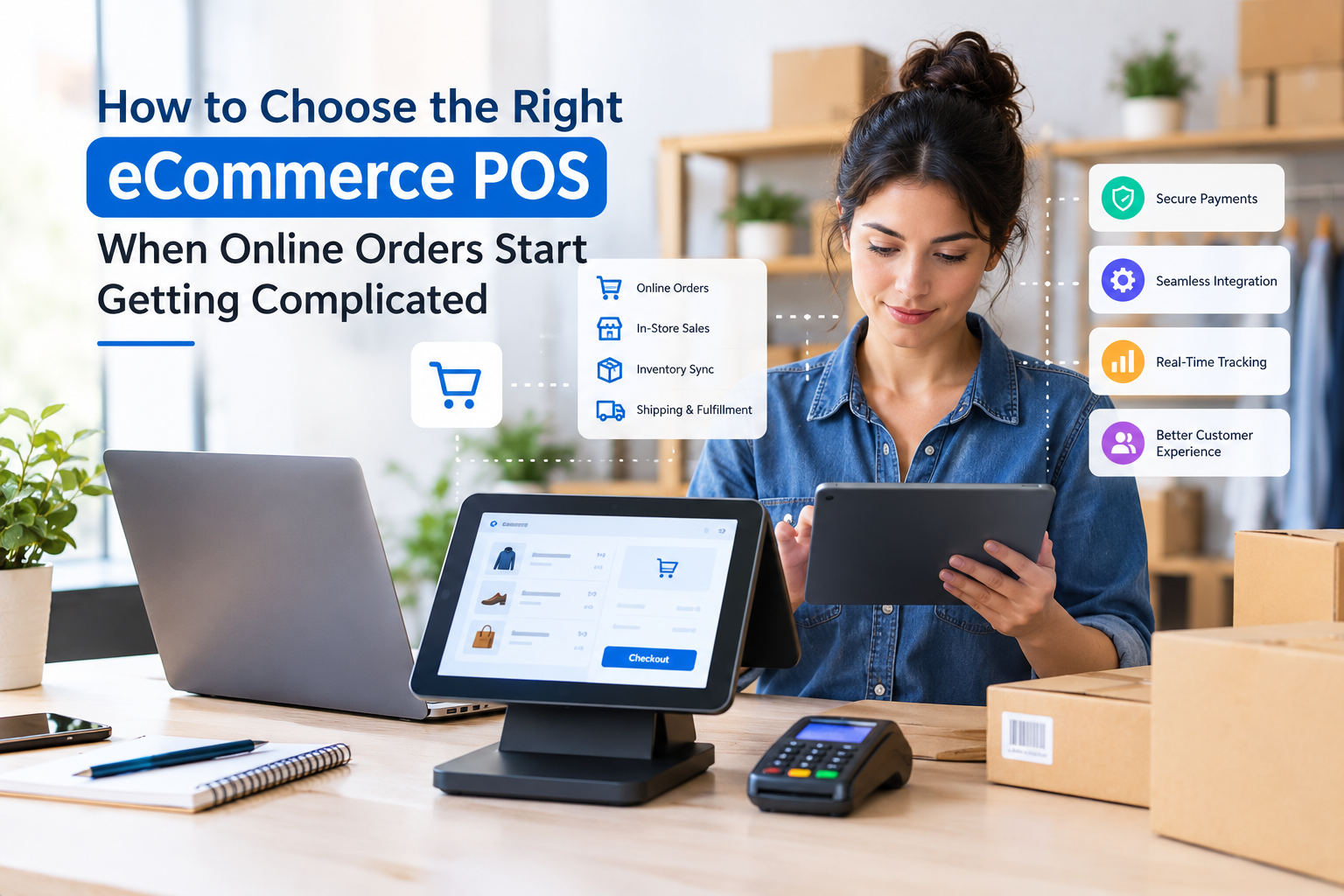
Running an online store can look simple from the outside: customers browse products, place orders, and receive their purchases. Behind the scenes, however, ecommerce businesses have to manage inventory, payments, customer information, returns, shipping, and sales reporting at the same time.
That is where choosing the best ecommerce POS can make a practical difference.
An ecommerce POS connects sales activity with the operational side of the business. Instead of keeping separate records for online orders, in-person transactions, inventory, and customer purchases, a connected system can bring important information together. Modern POS platforms increasingly support shared inventory, customer profiles, order management, reporting, and multiple selling channels.
But not every POS system is equally useful for an ecommerce business. The right choice depends on how you sell, how quickly your business is growing, and which problems you need the software to solve.
Why Ecommerce Businesses Need More Than a Basic POS
A traditional POS may be perfectly suitable for a small physical store that mainly needs checkout and receipt functions.
An ecommerce business usually has more moving parts.
You may receive an order through your website, sell another item through a marketplace, process a return from a previous purchase, and update stock after an in-person sale. If these activities are recorded in different systems, discrepancies can appear quickly.
For example, your website might show that five products are available while your physical inventory actually contains only three. That can result in canceled orders, refunds, and unhappy customers.
An ecommerce-focused POS helps reduce these problems by connecting sales and inventory information across channels. Real-time inventory synchronization is one of the key capabilities to look for when comparing systems.
What Should the Best Ecommerce POS Include?
There is no single POS that is automatically right for every retailer. Instead, look for features that match your day-to-day workflow.
1. Ecommerce Integration
Your POS should work with your online store rather than forcing you to repeatedly move information between platforms.
Look for integrations that can synchronize products, orders, inventory, customers, and returns.
This becomes especially important when you sell through both an ecommerce website and a physical location. A connected system gives your team a more complete view of what is happening across sales channels.
2. Real-Time Inventory Management
Inventory mistakes can become expensive as an online store grows.
A useful system should help you see:
- Current stock levels
- Low-stock products
- Inventory by location
- Product variations
- Stock transfers
- Incoming inventory
- Online and in-store sales
Some modern POS platforms also provide inventory forecasting and reorder tools.
The goal is simple: the quantity shown to customers should be as close as possible to the inventory you can actually fulfill.
3. Multiple Payment Options
Customers expect convenient payment choices. Your POS should support the payment methods relevant to your market and business model.
Depending on your operation, this may include cards, digital wallets, bank payments, cash, or other supported payment methods.
Also check how refunds, partial payments, and transaction records are handled. A system that accepts payments but makes reconciliation difficult can create extra administrative work.
4. Customer Profiles and Purchase History
Customer information becomes more valuable as your store grows.
A connected POS can help your team see previous purchases, order history, customer information, and other relevant details. This can be particularly useful when handling returns or answering questions about previous orders.
Instead of asking customers to explain an old order from scratch, staff can often locate the relevant transaction more quickly.
5. Omnichannel Selling
Many retailers now sell through more than one channel.
You might have:
- An ecommerce website
- A physical shop
- Social commerce
- Marketplace listings
- Pop-up locations
- Local delivery
- In-store pickup
An omnichannel POS can connect these activities so your team is not working with completely separate sales records.
Features such as buy-online-pickup-in-store, ship-from-store, and online returns handled at a physical location can be useful for businesses operating across multiple channels.
When Recurring Payments Become Part of the Problem
Not every ecommerce business needs recurring billing. However, subscription-based stores, memberships, service packages, and repeat-order businesses have different payment requirements.
If customers are charged automatically on a weekly, monthly, or annual schedule, ordinary one-time checkout tools may not be enough.
This is where searching for the best recurring billing software can make sense.
Recurring billing software is designed around scheduled payments. Depending on the platform, useful capabilities can include automated invoices, recurring payment schedules, customer subscription records, payment retries, and billing notifications.
For example, a business selling a monthly product subscription may need to automatically charge customers every month while keeping a record of successful and failed payments.
The important point is that recurring billing and ecommerce POS solve related but different problems. Your POS manages sales and operational activity, while recurring billing functionality focuses on scheduled customer payments.
How to Avoid Paying for Features You Do Not Need
A long feature list does not automatically mean a POS is a good fit.
Before purchasing software, identify the problems that currently consume the most time.
Ask yourself:
Are inventory errors causing problems?
Prioritize real-time inventory and multi-location stock management.
Are online and physical sales recorded separately?
Look for ecommerce and omnichannel integration.
Are subscription payments difficult to manage?
Investigate recurring billing capabilities or compatible billing software.
Are employees making frequent checkout mistakes?
Focus on ease of use, permissions, barcode scanning, and staff management.
Are you spending too much time preparing reports?
Look for sales, inventory, customer, and financial reporting tools.
This approach is often more useful than choosing software simply because it has the largest number of features.
Check Scalability Before You Buy
A POS that works for 100 monthly orders may not work the same way when your store handles 1,000 or 10,000.
Consider where your business could be in the next few years.
You may eventually need additional stores, employees, warehouses, sales channels, product variations, or customer accounts.
Check whether the platform supports multiple locations, staff permissions, integrations, reporting, and growing product catalogs. Multi-location inventory and centralized reporting can become particularly important as a retail operation expands.
Also review pricing carefully. A low starting price may not remain inexpensive after adding users, locations, integrations, payment features, or advanced reporting.
Questions to Ask Before Choosing a POS
Before signing up, ask the provider:
- Does it integrate with my ecommerce platform?
- Does inventory update automatically after online and in-store sales?
- Can I manage multiple locations?
- Can staff have different permissions?
- How are refunds and exchanges handled?
- Can I access customer purchase history?
- What reporting is included?
- Does it integrate with accounting or payment tools?
- Can it support my future sales channels?
- Does it support recurring payments or integrate with recurring billing software?
A free trial or product demonstration can also be useful. Test the system using realistic tasks rather than simply looking at the dashboard.
Create a product, make an order, process a refund, adjust inventory, and generate a report. These simple tests can reveal usability issues before you commit.
Final Thoughts
Choosing the best ecommerce POS is less about finding the software with the longest feature list and more about finding a system that solves the operational problems your store actually faces.
Prioritize ecommerce integration, accurate inventory management, payment flexibility, customer records, reporting, and scalability. If your business also relies on subscriptions or scheduled payments, evaluate whether the POS includes suitable recurring billing functionality or works smoothly with dedicated billing software.
The right system should reduce manual work rather than create another layer of administration. Start with your current workflow, identify the biggest bottlenecks, and choose technology that can continue supporting your business as those needs grow.

 English
 Arabic
 French
 Spanish
 Portuguese
 Deutsch
 Turkish
 Dutch
Dutch
 Russian
 Romaian
 Portuguese (Brazil)
 Greek
Greek