


Technical SEO Audit: A Step by Step Optimisation Framework
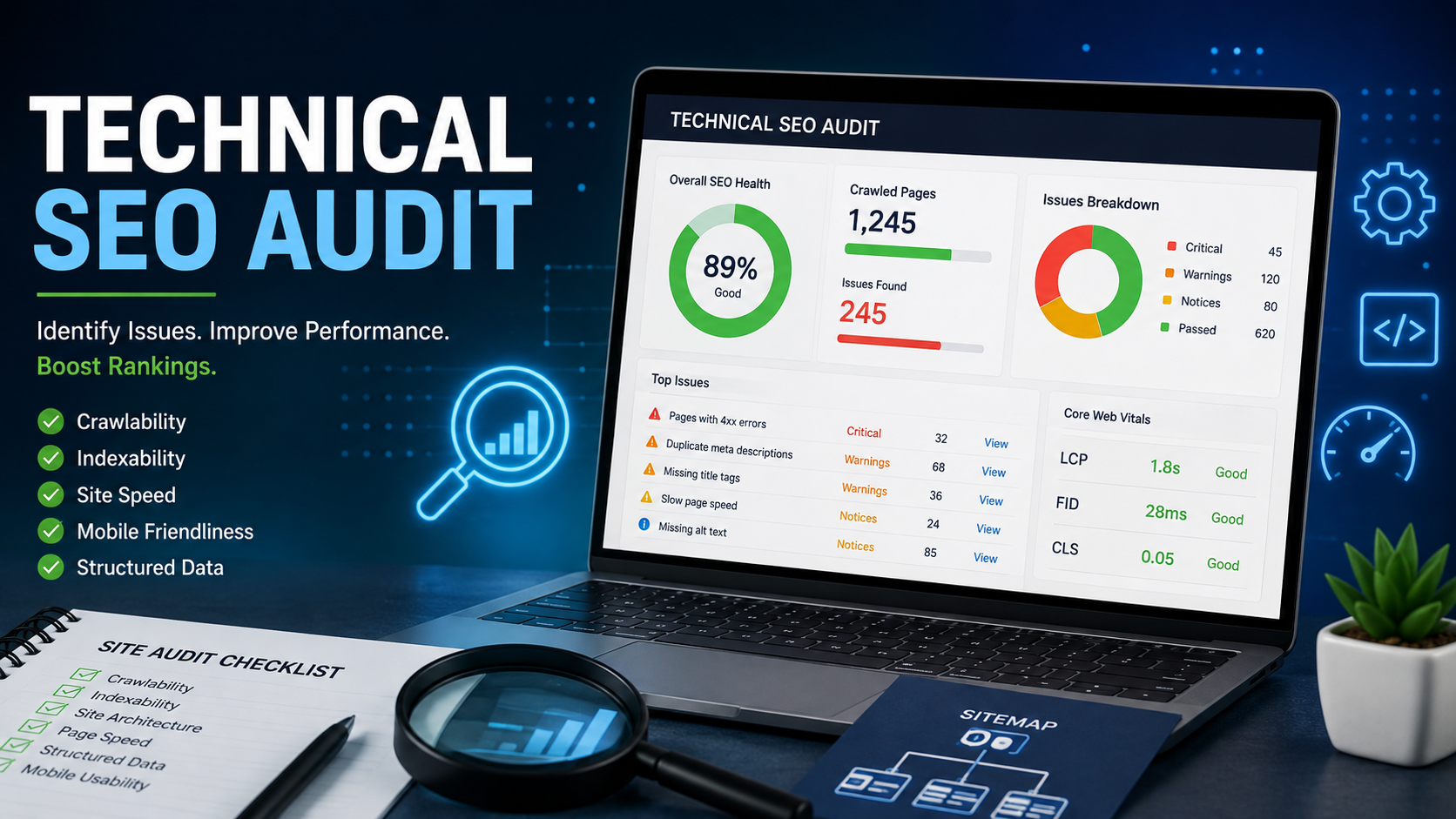
Ask ten site owners what is holding their rankings back and most will point to content or backlinks. Ask an SEO specialist and the first question is almost always: Have you run a technical SEO audit recently? It is the diagnostic step that reveals whether a site's foundation can actually support the content and link building work being layered on top of it.
A technical on page SEO audit is not a single test; it is a structured process that works through crawlability, indexing, site architecture and pagelevel technical elements in a defined order, because fixing issues out of sequence often means redoing work later. This guide lays out a practical framework you can follow, whether you are auditing your own site or briefing an agency on what an audit should actually include.
Why a Structured Audit Framework Matters
A scattershot audit running one tool, fixing whatever it flags and calling it done tends to miss compounding issues. A page might rank poorly for three separate reasons stacked on top of each other: it is several clicks deep in the site architecture, it has a canonical tag pointing to the wrong URL and it's excluded from the XML sitemap. Fix only one and the page still won't rank.
A proper framework works topdown, starting with whether search engines can reach and index your site at all, before drilling into pagelevel detail. That order matters because indexing issues make every downstream optimization irrelevant; there is no point perfecting on page elements on a page Google has never crawled.
Phase 1: Crawlability Assessment
The first phase of any technical SEO audit asks a simple question: can search engines actually move through your site?
Check your XML sitemap. Confirm it exists, is accessible at a standard URL, contains only canonical (nonredirected, non404) URLs and is submitted correctly in Google Search Console. An outdated or bloated sitemap listing thousands of low value URLs dilutes the signal search engines use to prioritise crawling.
Review robots.txt optimization. Open your robots.txt file and check for accidental "Disallow" rules blocking important sections. This single file has caused more accidental deindexing incidents than almost any other technical error; a rule meant to block a staging subdomain sometimes ends up blocking the live site by mistake.
Map your site architecture. Use a crawler to visualise how many clicks deep each page sits from the homepage. Ideally, every important page should be reachable within three clicks. Pages buried deeper than that receive less crawl frequency and weaker internal link equity.
Identify orphaned pages. These are pages with no internal links pointing to them at all. Even if they're in the sitemap, orphaned pages tend to get crawled less often and rank more weakly, since internal links are one of the clearest signals of a page relative importance.
Phase 2: Indexability Review
Once crawlability is confirmed, the next phase checks whether crawled pages are actually eligible to appear in search results.
Audit no index tags. Search for any pages carrying a no index directive that shouldn't be there, a common byproduct of staging environments being pushed live without removing testmode settings.
Check canonical tags across the site. Every page should carry a canonical tag pointing to itself, unless it's intentionally a duplicate of another page (such as a printerfriendly or parameterbased URL variant). Misconfigured canonical tags are a leading cause of the wrong page ranking, or no page ranking, for a given query.
Search site:yourdomain.com in Google. Compare the number of indexed results against your actual page count. A large gap in either direction, far fewer pages indexed than expected, or far more, including pages that should not exist, signals an indexing problem worth investigating further.
Review Search Console Page Indexing report. This report categorises every known URL by its indexing status and gives the specific reason for exclusion, from crawled, currently not indexed to duplicate without user selected canonical. This is usually the fastest way to prioritise fixes.
Phase 3: Site Architecture and Internal Linking
With crawling and indexing confirmed, the audit moves to structural quality.
Evaluate URL structure. Clean, descriptive, logically nested URLs help both users and search engines understand a page's place in the site hierarchy. Avoid unnecessary parameters, session IDs, or excessive folder depth.
Assess internal linking distribution. Important pages, service pages, high value landing pages, cornerstone content should receive the most internal links, both in volume and from other high authority pages on the site. A well structured internal linking strategy channels authority intentionally rather than randomly.
Check for duplicate content issues. Beyond canonical tags, look for nearduplicate pages created by faceted navigation, print versions, or localisation variants without proper hreflang implementation. These dilute ranking signals across multiple URLs instead of consolidating them.
Confirm consistent navigation and breadcrumbs. Consistent, logical navigation reinforces site architecture for both users and crawlers and breadcrumb schema markup can also earn enhanced search result displays.
Phase 4: PageLevel Technical Elements
This phase drills into the specifics of individual pages, which is where much of the traditional on page SEO audit work lives.
Audit meta titles and descriptions for length, uniqueness and keyword relevance across the site duplicate or missing meta data is a common finding even on otherwise well maintained sites.
Review header tag structure (H1 through H3) for logical hierarchy, ensuring each page has exactly one H1 and a clear content outline beneath it.
Check image optimisation, including descriptive alt text, appropriately compressed file sizes and modern formats that support faster loading.
Verify schema markup implementation using a structured data testing tool, confirming that markup matches visible page content and is free of validation errors.
Test broken links sitewide, both internal and outbound, since broken links waste crawl budgets and create dead ends that frustrate users and search bots alike.
Confirm redirect optimization. Look for redirect chains (A to B to C) and loops, replacing them with single, direct 301 redirects to the final destination URL.
Phase 5: Performance and Security
The final phase covers the elements most directly tied to page experience.
Run Core Web Vitals reports through Search Console's field data and PageSpeed Insights' lab data together, since they can tell different stories a page might pass in the lab but fail for real users on slower connections or older devices.
Confirm HTTPS security sitewide, including checking for mixed content warnings where secure pages still load insecure resources, which can undermine the security benefit entirely.
Test mobile rendering on actual devices, not just responsive preview tools, checking for tap target sizing, readable font sizes and content parity between mobile and desktop versions.
Common Findings Across RealWorld Audits
Patterns tend to repeat across audits, regardless of industry. Recognising them ahead of time can speed up your own review:
-
Sitemap and reality do not match. A surprising number of sitemaps still list pages that were deleted or redirected months earlier, sending mixed signals to crawlers about what actually exists.
-
Canonical tags pointing to the wrong page. Especially common after a site redesign, where old canonical rules get carried over to URLs they no longer apply to.
-
Thin, autogenerated pages diluting authority. Tag pages, filtered category pages, or autocreated location pages often multiply duplicate content issues without adding real value.
-
Title tag duplication at scale. CMS templates that autogenerate titles from a single field often produce dozens or hundreds of nearidentical meta titles across a site.
-
Inconsistent HTTPS enforcement. Some legacy pages or subdomains are missed during an HTTPS migration, creating mixed content warnings that undercut the security signal elsewhere on the site.
-
Missing or broken schema markup. Structured data implemented once during a site build often breaks silently after a template update, with no alert unless it is actively monitored.
None of these are especially difficult to fix individually. The challenge is that they accumulate quietly and most site owners only discover them once rankings have already softened.
Documenting and Communicating Audit Results
A technical audit that lives only in a spreadsheet rarely gets acted on. The findings need to be translated into language a development team, a marketing lead and a business owner can each act on from their own vantage point:
-
For developers: specific URLs, the exact issue and the technical fix required a missing canonical tag, an incorrect redirect status code, a renderblocking script.
-
For marketing leads: which pages are affected, what traffic or ranking impact is likely and how fixes should be sequenced against content and campaign plans.
-
For business stakeholders: a plain language summary of risk and opportunity for example, "12% of product pages are currently excluded from Google's index, representing an estimated X in lost organic visibility."
Framing findings this way turns a technical SEO audit from a compliance exercise into a genuine business case for the fixes it recommends.
Internal Audits vs. Bringing in a Specialist
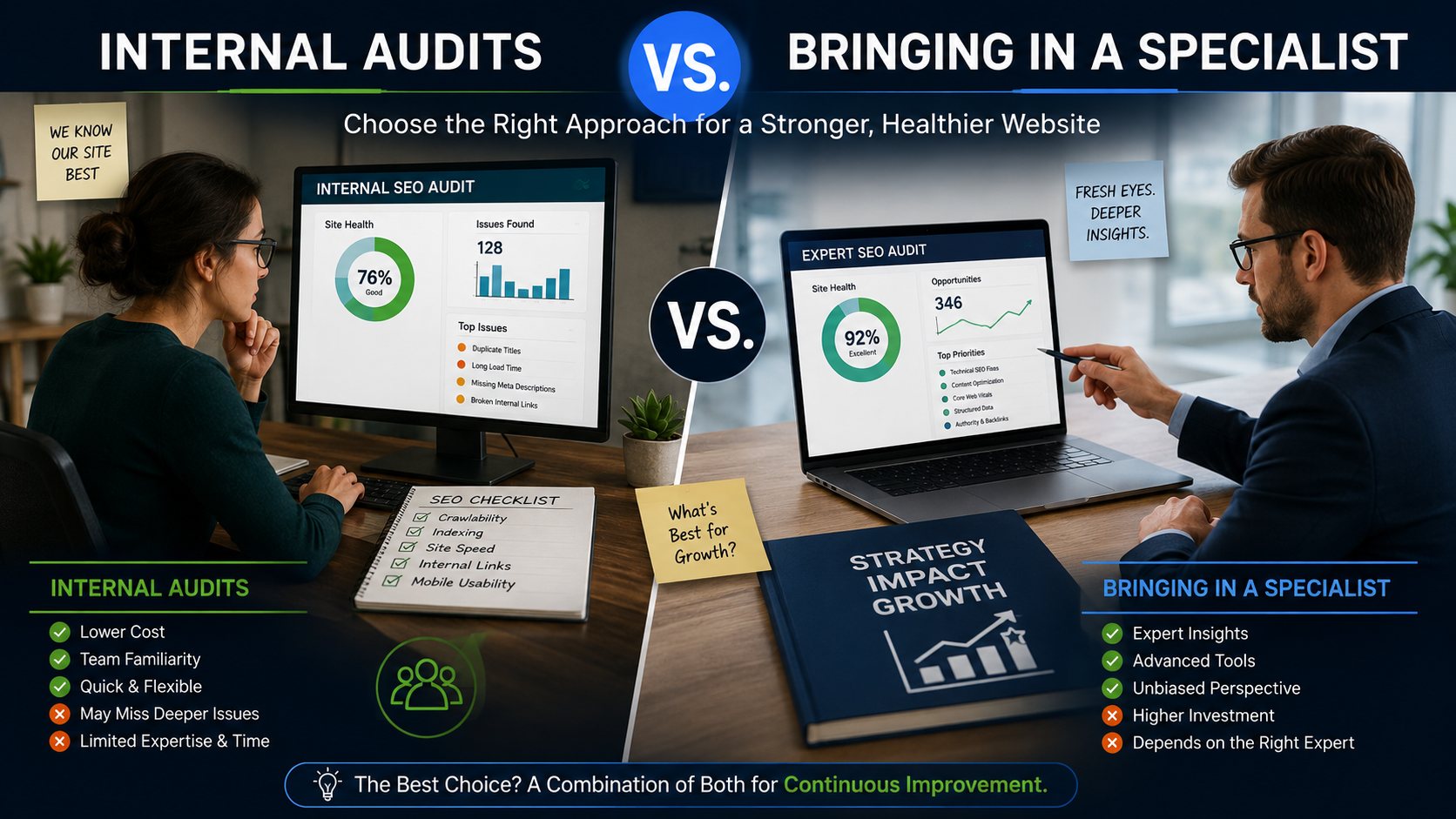
Some businesses run their first technical SEO audit inhouse using free tools and that's a reasonable starting point for catching obvious issues like broken links or a missing sitemap. Where inhouse audits tend to fall short is in diagnosing why an issue is happening rather than just that it's happening for example, identifying that a JavaScript framework is rendering content in a way that delays indexing, or that a CDN configuration is causing inconsistent Core Web Vitals scores across regions.
A specialist brings pattern recognition from having diagnosed the same categories of issues across many different site architectures, plus the technical depth to read server logs, interpret crawl budget allocation and coordinate fixes directly with a development team. For smaller sites with straightforward CMS setups, a wellrun inhouse audit using this framework can go a long way. For larger, more complex sites, especially those built on custom platforms or with a history of unresolved technical debt a specialist audit tends to pay for itself by catching root causes an automated report alone would miss.
Turning Audit Findings Into an Action Plan
A technical SEO audit is only useful if its findings get prioritised and actioned. The most effective approach ranks issues by two factors: how many pages or how much traffic they affect and how much effort the fix requires. A robots.txt error blocking the entire site is a five minute fix with sitewide impact that goes first. A page by page schema markup rollout across a 500page catalog is high impact but resource intensive that gets scheduled, not squeezed in.
This is also where a broader technical SEO engagement earns its value: turning a long audit document into a sequenced roadmap that a development team can actually execute against, rather than a list that sits unread. Pairing the technical roadmap with ongoing search engine marketing services also ensures that as pages get fixed and recrawled, visibility gains are tracked and reinforced rather than left to chance.
How Often Should You Repeat the Audit?
Technical SEO is not a one time checklist sites drift out of good health as content gets added, plugins get installed and redesigns happen. A practical cadence:
-
Monthly: Core Web Vitals trends, crawl error reports and broken link checks
-
Quarterly: Full site crawl for duplicate content, canonical tag accuracy and redirect chains
-
After major changes: Any site migration, CMS change, or redesign warrants a full audit before and after launch
-
Annually: A comprehensive review covering every phase in this framework, including a fresh internal linking assessment
A QuickReference Audit Checklist
For teams that want a condensed version of this framework to run through before a deeper audit, this checklist covers the highest impact checks in each phase:
-
Sitemap is current, accessible and submitted in Search Console
-
Robots.txt contains no unintended "Disallow" rules
-
No important pages sit more than three clicks from the homepage
-
No orphaned pages with zero internal links
-
Canonical tags are accurate across the site
-
Search Console's Page Indexing report shows no unexpected exclusions
-
Internal links are concentrated on priority pages
-
No duplicate or nearduplicate content from faceted navigation
-
Meta titles and descriptions are unique and appropriately sized
-
Header tags follow a logical singleH1 hierarchy
-
Images use descriptive alt text and are properly compressed
-
Schema markup validates without errors
-
No broken internal or outbound links
-
No redirect chains or loops
-
Core Web Vitals pass for both lab and field data
-
HTTPS is enforced sitewide with no mixed content warnings
-
Mobile rendering matches desktop content parity
Running through this list quarterly, even without a full audit each time, catches the majority of technical drift before it compounds into a bigger ranking problem.
Conclusion
A technical SEO audit works best as a structured, sequential process rather than a random sweep for errors. Starting with crawlability and indexability, then moving through site architecture, pagelevel elements and finally performance and security, ensures fixes build on each other instead of being undone by an unresolved issue further up the chain. Whether you run this framework internally or bring in a specialist, the goal is the same: a site where nothing invisible is standing between your content and the rankings it deserves.Explore our full on page SEO services or visit itleadz to see how a structured audit fits into a broader growth strategy.
Frequently Asked Questions (FAQs)
What is included in a technical SEO audit?
A complete audit covers crawlability, indexability, site architecture, pagelevel elements like meta tags and schema markup and performance and security factors including Core Web Vitals and HTTPS. It should also produce a prioritised action plan, not just a list of findings.
How long does a technical SEO audit take?
For a small site, a focused audit can take a few days. For larger sites with thousands of pages, a full audit including crawl analysis, indexing review and a detailed action plan can take two to four weeks.
What tools are needed to run an on page SEO audit?
At minimum, Google Search Console, a site crawler such as Screaming Frog and a performance testing tool like PageSpeed Insights. Structured data testing tools and rank tracking software round out a more complete toolkit.
Can technical SEO issues cause a sudden traffic drop?
Yes. Accidental no index tags, broken robots.txt rules, or failed redirects after a site migration are among the most common causes of sudden, unexplained ranking or traffic losses.
Should I fix every issue an audit finds immediately?
No prioritise by impact and effort. Sitewide crawl blockers should be fixed immediately, while lower impact issues like individual missing alt tags can be scheduled into ongoing maintenance work.

 English
 French
 Spanish
 Portuguese
 Deutsch
 Turkish
 Dutch
Dutch
 Italiano
 Russian
 Romaian
 Portuguese (Brazil)
 Greek
Greek