


U4GM's GTA 5 Guide to Creative Gameplay
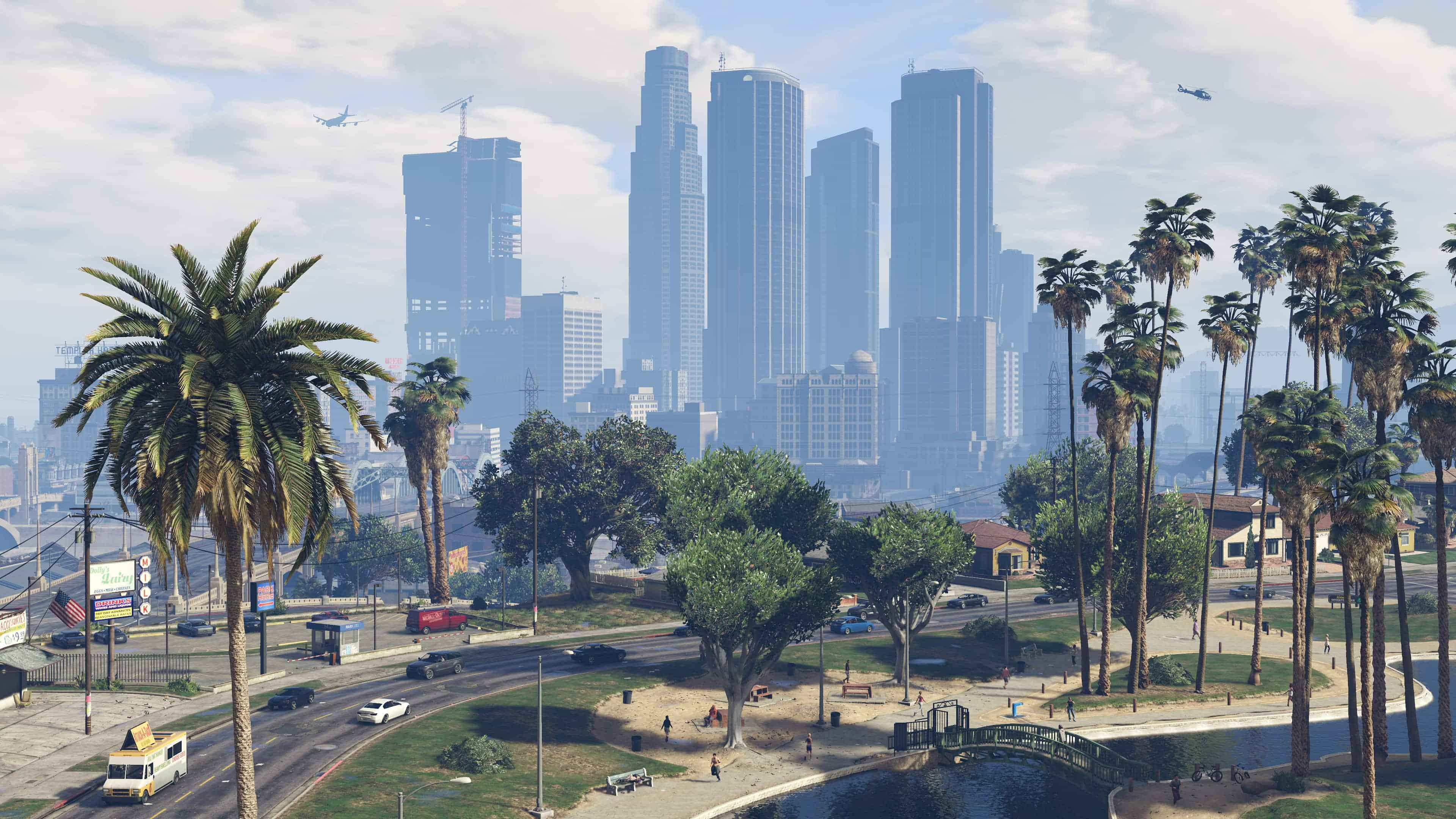
Los Santos becomes a very different place when you stop treating it as a list of missions and start using it as a film set. Director Mode, included with the Rockstar Editor suite, lets you step into the role of Franklin Clinton, a paramedic, a soldier, a passer-by, or one of several animal characters. For players building scenes, testing ideas, or simply looking at the city from a new angle, GTA 5 Accounts can add another way to approach the game, but the useful part is already waiting inside Story Mode.
Get Into The Right Situation
Access is easy, although the game is picky about when it will let you proceed. Leave your vehicle, finish any active mission, and make sure the police are no longer after you. You also need to be on dry land. Swimming or being caught in a chase will keep the option unavailable. Once Franklin, Michael, or Trevor is standing safely in the world, open the Interaction Menu and look for Director Mode. A quick confirmation takes you to the casting trailer, where the creative tools are gathered in one place.
Controls By Platform
The menu button changes with each system, so the first step is worth checking before you start looking through the options.
| Platform | Menu input | What happens next |
|---|---|---|
| PC | Press M | Open the Interaction Menu |
| PlayStation 5 | Hold the Touchpad | Open the Interaction Menu |
| Xbox Series X|S | Hold the View button | Open the Interaction Menu |
Select Director Mode, accept the prompt, and wait for the casting trailer to load. It is a separate space from the normal city, so do not worry about losing your current position while experimenting.
Shape The Scene
The casting trailer gives you more control than ordinary free roam. You can choose from residents, public-service workers, military characters, and animals discovered through peyote plants. The settings also let you fix the hour, change the weather, remove police attention, and switch on useful effects such as low gravity, invulnerability, or explosive ammunition. A simple setup often works best. Try these starting points.
Pick one character and give the scene a clear purpose.
Set the time before travelling to the location.
Use weather changes to alter the mood of the shot.
Test camera movement before recording a long sequence.
Make The Most Of Modern Consoles
On PlayStation 5 and Xbox Series X|S, the enhanced release from March 15, 2022, supports sharper image quality and smoother performance, depending on the selected display mode. That matters when you are filming fast car work, wide views from Vinewood Hills, or a quiet street scene at midnight. You will quickly find that small choices, such as the actor, lighting, and weather, do more for a clip than piling on every effect. Once the scene feels right, players who choose to buy GTA 5 Money can return to regular play with more resources for vehicles, locations, and further creative projects.

 English
 Arabic
 French
 Spanish
 Portuguese
 Deutsch
 Turkish
 Dutch
Dutch
 Italiano
 Romaian
 Portuguese (Brazil)
 Greek
Greek