


What Is Whaling in Cybersecurity? How It Works, Examples & Prevention
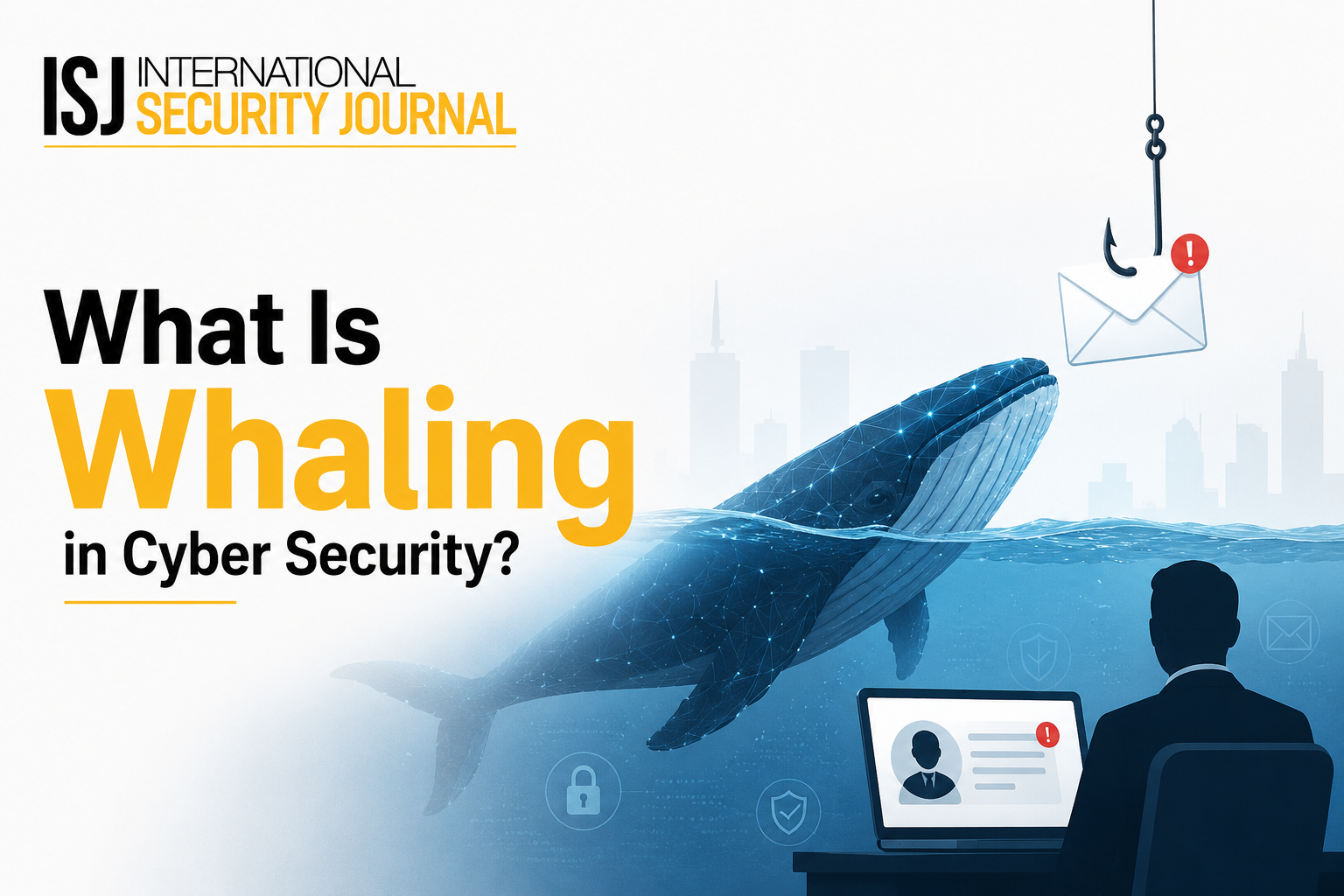
Cyberattacks are becoming more targeted, personalized, and difficult to identify. While traditional phishing attacks often target large numbers of users, whaling attacks focus on high-value individuals such as CEOs, executives, finance leaders, and other senior employees. Because these individuals often have access to sensitive information, financial systems, and critical business decisions, a successful attack can cause significant damage.
Understanding “what is whaling in cybersecurity”, how these attacks work, and how organizations can prevent them is essential for reducing the risk of financial fraud, credential theft, and data breaches.
What Is Whaling in Cybersecurity?
Whaling is a highly targeted form of phishing that specifically targets senior executives or other high-profile individuals within an organization. Attackers typically impersonate trusted people, such as company executives, business partners, suppliers, or financial institutions, to convince the victim to perform an action.
Unlike broad phishing campaigns, whaling attacks are usually researched and carefully customized. Attackers may study company websites, social media profiles, public announcements, employee roles, and business relationships before creating a convincing message.
A typical objective may be to:
-
Steal login credentials
-
Obtain confidential business information
-
Authorize fraudulent payments
-
Install malware
-
Gain access to corporate systems
-
Redirect funds to attacker-controlled accounts
The combination of personalization and authority makes whaling particularly dangerous.
How Does a Whaling Attack Work?
A successful whaling attack generally involves several stages.
1. Identifying a High-Value Target
Attackers first identify individuals who have authority, financial access, or valuable information. Common targets include CEOs, CFOs, directors, senior managers, and finance department leaders.
2. Gathering Information
The attacker researches the target and organization to understand their responsibilities, communication style, business relationships, and ongoing activities.
Publicly available information can provide enough context to make a fraudulent message appear legitimate.
3. Creating a Convincing Message
The attacker creates an email or message that appears to come from a trusted person or organization. It may reference a real project, supplier, transaction, or upcoming business activity.
For example, a finance employee could receive a message appearing to come from the CEO requesting an urgent transfer to a new bank account.
4. Manipulating the Victim
Whaling relies heavily on social engineering. Attackers create urgency, authority, secrecy, or fear to encourage the recipient to act without properly verifying the request.
5. Executing the Attack
Once the victim follows the instructions, the attacker may obtain credentials, redirect money, access confidential files, or compromise additional accounts.
Common Types of Whaling Attacks
Whaling can take several forms depending on the attacker's objective.
CEO Fraud
An attacker impersonates the CEO or another senior executive and asks an employee to make a payment, transfer funds, or share sensitive information.
Business Email Compromise
Attackers compromise or impersonate legitimate business email accounts to conduct fraudulent transactions or manipulate employees.
Executive Impersonation
Rather than compromising an account, attackers may create a lookalike email address or messaging profile and impersonate an executive.
Credential Theft
A fraudulent login page or malicious link may be used to capture an executive's username, password, or authentication information.
Real-World Whaling Attack Examples
Consider a company preparing to acquire another business. An attacker researches the companies involved and discovers that the CFO is responsible for financial transactions.
The attacker sends an email that appears to come from the CEO, referencing the acquisition and asking the CFO to urgently transfer funds to a new account. Because the message appears related to a legitimate business event, the request may not immediately raise suspicion.
Another example involves an executive receiving an email that appears to come from a trusted cloud service. The message claims that the executive's account requires verification and provides a login link. The link leads to a fraudulent website designed to steal credentials.
These examples demonstrate why whaling is not simply a technical problem. Human decision-making is a major part of the attack surface.
Warning Signs of a Whaling Attack
Organizations should train employees to recognize unusual requests, even when messages appear to come from senior leadership.
Common warning signs include:
-
Unexpected requests for money transfers
-
Requests involving new bank account details
-
Unusual demands for confidential information
-
Pressure to act immediately
-
Requests to bypass normal approval procedures
-
Suspicious sender addresses or domains
-
Unexpected attachments or links
-
Communication that differs from the sender's usual behavior
-
Requests to keep a transaction confidential
A single warning sign does not necessarily prove an attack, but multiple indicators should trigger additional verification.
How to Prevent Whaling Attacks
Preventing whaling requires a combination of technology, policies, and employee awareness.
Use Multi-Factor Authentication
Multi-factor authentication adds another layer of protection if an attacker obtains a user's password. Organizations should prioritize MFA for executives, administrators, finance teams, and other high-risk accounts.
Strengthen Email Security
Email security solutions can detect suspicious domains, malicious links, spoofing attempts, and abnormal communication patterns. Organizations should also implement appropriate email authentication controls such as SPF, DKIM, and DMARC.
Train Employees
Security awareness training should specifically address executive impersonation, business email compromise, social engineering, and fraudulent payment requests.
Employees should understand that seniority does not make a request automatically trustworthy.
Verify Financial Requests
Organizations should establish independent verification procedures for payments, bank-account changes, and other high-risk transactions.
For example, an employee could verify an unusual request through a known phone number or an established internal communication channel rather than replying directly to the suspicious message.
Apply Least-Privilege Access
Employees should only have access to the systems and information required for their roles. Limiting privileges can reduce the potential impact of a compromised account.
Monitor Accounts and Transactions
Continuous monitoring can help identify unusual login activity, suspicious transfers, abnormal email behavior, and other indicators of compromise.
Whaling vs. Phishing vs. Spear Phishing
|
Attack Type |
Primary Target |
Personalization |
|
Phishing |
Large groups of users |
Low to moderate |
|
Spear phishing |
Specific individuals or teams |
High |
|
Whaling |
Executives and high-value individuals |
Very high |
The main distinction is the target. Whaling is essentially a highly targeted form of phishing aimed at individuals with significant authority or access.
What to Do If You Suspect a Whaling Attack
If an employee receives a suspicious executive request, they should avoid clicking links, opening unexpected attachments, transferring funds, or sharing sensitive information.
Instead, they should:
-
Stop the requested action.
-
Verify the sender through an independent channel.
-
Report the message to the security team.
-
Preserve relevant emails and communication records.
-
Reset compromised credentials if necessary.
-
Investigate related accounts and systems for suspicious activity.
Fast reporting can significantly reduce the potential impact of an attempted attack.
Conclusion
Whaling attacks exploit more than technical vulnerabilities—they exploit trust, authority, urgency, and human behavior. Because attackers often conduct detailed research before approaching their targets, organizations cannot rely solely on spam filters or antivirus software for protection.
A stronger defense combines MFA, email security, employee training, financial verification procedures, access controls, and continuous monitoring. Organizations should also regularly review their security processes to ensure employees know how to handle unusual requests.
For businesses looking to stay informed about evolving physical and cybersecurity threats, International Security Journal provides relevant security insights and industry-focused coverage to support better security awareness and preparedness.

 English
 Arabic
 French
 Spanish
 Portuguese
 Deutsch
 Dutch
Dutch
 Italiano
 Russian
 Romaian
 Portuguese (Brazil)
 Greek
Greek