


CRM vs Excel: The Hidden Costs of Managing Customers with Spreadsheets
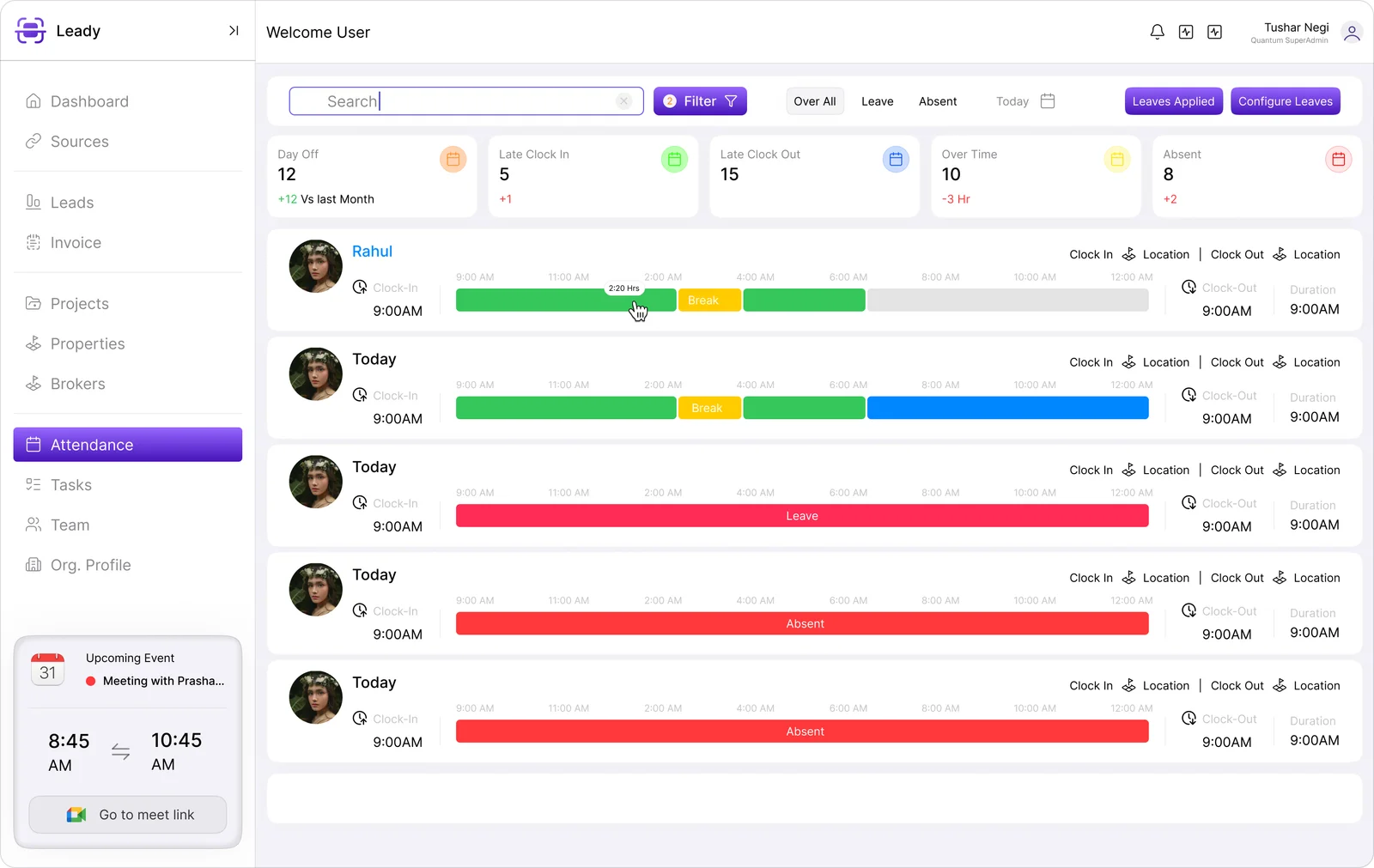
For many businesses, Excel is the first tool used to manage customer information, sales leads, follow-ups, and business operations. It is affordable, familiar, and easy to customize. But as a company grows, managing customer relationships through spreadsheets can quickly become complicated. More leads, larger sales teams, frequent follow-ups, and increasing customer data create challenges that Excel was never designed to solve.
This is where Customer Relationship Management (CRM) software becomes essential. A CRM provides a centralized system for managing leads, customer interactions, sales activities, and follow-ups. For growing businesses, platforms such as Leadynest can help sales teams move beyond spreadsheets and create a more organized and scalable workflow.
Excel Works Well in the Beginning
Excel can be useful when a business has a small number of customers and a limited sales process. A simple spreadsheet can contain columns for customer names, phone numbers, email addresses, lead status, and follow-up dates.
For a small team, this approach may appear efficient. Employees can quickly enter information, filter records, and create basic reports. However, problems usually begin when the volume of data increases.
As more employees access and update the same spreadsheet, maintaining accurate information becomes difficult. Duplicate entries, accidentally deleted data, outdated contact details, and inconsistent formatting can affect the sales process.
The Problem with Managing Leads at Scale
One of the biggest weaknesses of Excel is that it is primarily a data-storage and calculation tool rather than a dedicated customer relationship platform.
Imagine a company handling hundreds or thousands of leads every month. Sales representatives need to know which prospects have been contacted, which leads require follow-up, which customers are close to conversion, and which opportunities have been inactive.
With Excel, this information often depends on employees manually updating rows and columns. If someone forgets to update a lead status or follow-up date, the entire sales process can be affected.
A CRM automates much of this process. Teams can assign leads, track interactions, schedule follow-ups, monitor sales stages, and maintain customer histories from a centralized platform.
CRM vs Excel: A Major Difference
The fundamental difference between CRM software and Excel is how they are designed to handle business relationships.
Excel organizes information in spreadsheets. A CRM organizes information around customers, leads, sales activities, communication, and business processes.
With Excel, employees may need to search through multiple sheets to understand a customer's history. In a CRM, customer information can be connected in one place.
For example, a sales representative can view a lead's contact information, previous conversations, follow-up activities, notes, assigned salesperson, and current sales stage without manually searching through multiple files.
This creates better visibility and reduces unnecessary administrative work.
Spreadsheets Create Data Management Challenges
As businesses grow, data accuracy becomes increasingly important. Multiple versions of an Excel file can easily appear across computers, email accounts, or cloud storage.
One employee may update a customer's phone number while another continues working with an older version. This creates inconsistent information and can lead to communication mistakes.
A CRM provides a centralized database where authorized users can access updated customer information. Changes can be tracked within the system, helping teams maintain greater consistency.
This centralized approach is particularly valuable for companies with multiple sales representatives or departments.
Follow-Ups Become Difficult to Manage
Following up with leads at the right time is one of the most important parts of sales. Unfortunately, spreadsheets often rely heavily on manual reminders.
A salesperson may enter a follow-up date into Excel, but remembering to check the spreadsheet every day can become difficult when hundreds of leads are involved.
CRM systems can provide reminders and automated workflows for follow-ups. Sales teams can receive notifications about upcoming activities and overdue tasks, reducing the possibility of missed opportunities.
Instead of relying entirely on memory and spreadsheets, businesses can create a structured follow-up process.
Better Sales Pipeline Visibility
Another major limitation of Excel is sales pipeline management.
Businesses need to understand how many leads are at each stage of the sales funnel. They may want to know how many prospects are new, contacted, qualified, negotiating, or ready to close.
Creating this information manually in Excel can require formulas, filters, pivot tables, and regular updates.
A CRM provides a visual sales pipeline that allows managers and sales representatives to understand the current status of opportunities quickly. This makes it easier to identify bottlenecks and prioritize high-value opportunities.
Reporting and Analytics
Business growth depends on accurate data and useful insights. Excel can generate reports, but creating detailed sales reports often requires manual data preparation.
CRM software is designed to provide dashboards and reports related to sales performance, lead sources, conversion rates, team activities, revenue opportunities, and customer engagement.
Managers can use these insights to understand what is working and where improvements are required.
For example, if a company discovers that leads from one marketing channel have a higher conversion rate, it can allocate more resources to that channel.
Collaboration Becomes Easier with CRM
Sales rarely involves only one person. Marketing teams generate leads, sales representatives contact prospects, managers monitor performance, and customer service teams support existing customers.
Managing this collaboration through spreadsheets can become confusing.
A CRM gives different teams access to relevant customer information based on their roles. This reduces communication gaps and helps everyone work with the same data.
It also makes employee transitions easier. If a salesperson leaves the company, customer information and sales history do not have to disappear with that employee's personal spreadsheet.
When Should a Business Move from Excel to CRM?
There is no universal number of employees or leads that determines when a company should adopt CRM software. However, certain warning signs indicate that a spreadsheet-based system is becoming difficult to manage.
Businesses should consider moving to a CRM when:
- Leads are being missed or forgotten.
- Multiple employees manage the same customers.
- Duplicate customer records are increasing.
- Sales teams spend too much time updating spreadsheets.
- Managers lack real-time visibility into sales performance.
- Follow-ups are frequently delayed.
- Reports require extensive manual work.
- Customer information is stored across multiple files.
When these problems start affecting productivity and revenue, CRM adoption can become a strategic investment rather than simply another software expense.
Why Leadynest Can Be a Better Alternative
For businesses looking to organize their sales and customer management processes, Leadynest offers a CRM-focused approach designed to help teams manage leads and relationships more efficiently.
Instead of depending on disconnected spreadsheets, businesses can use a centralized system to organize customer information, monitor sales activities, manage follow-ups, and improve visibility across the sales process.
The goal is not simply to replace Excel. It is to create a more structured system that can grow alongside the business.
Final Thoughts
Excel remains a useful tool for calculations, basic data management, and small-scale business tasks. Leadynest, however, it becomes increasingly difficult to manage when customer data, sales teams, and business processes grow.
The biggest problem with spreadsheets is not that they are bad tools. The problem is that they were not designed to function as complete customer relationship management systems.
A CRM provides centralized customer data, sales pipeline management, follow-up tracking, reporting, collaboration, and scalability. For businesses experiencing the limitations of spreadsheets, making the transition to a CRM can improve efficiency and provide greater control over the sales process.

 English
 Arabic
 French
 Spanish
 Deutsch
 Turkish
 Dutch
Dutch
 Italiano
 Russian
 Romaian
 Portuguese (Brazil)
 Greek
Greek