


IPTV Recording and Timeshift in Denmark: What Viewers Should Know
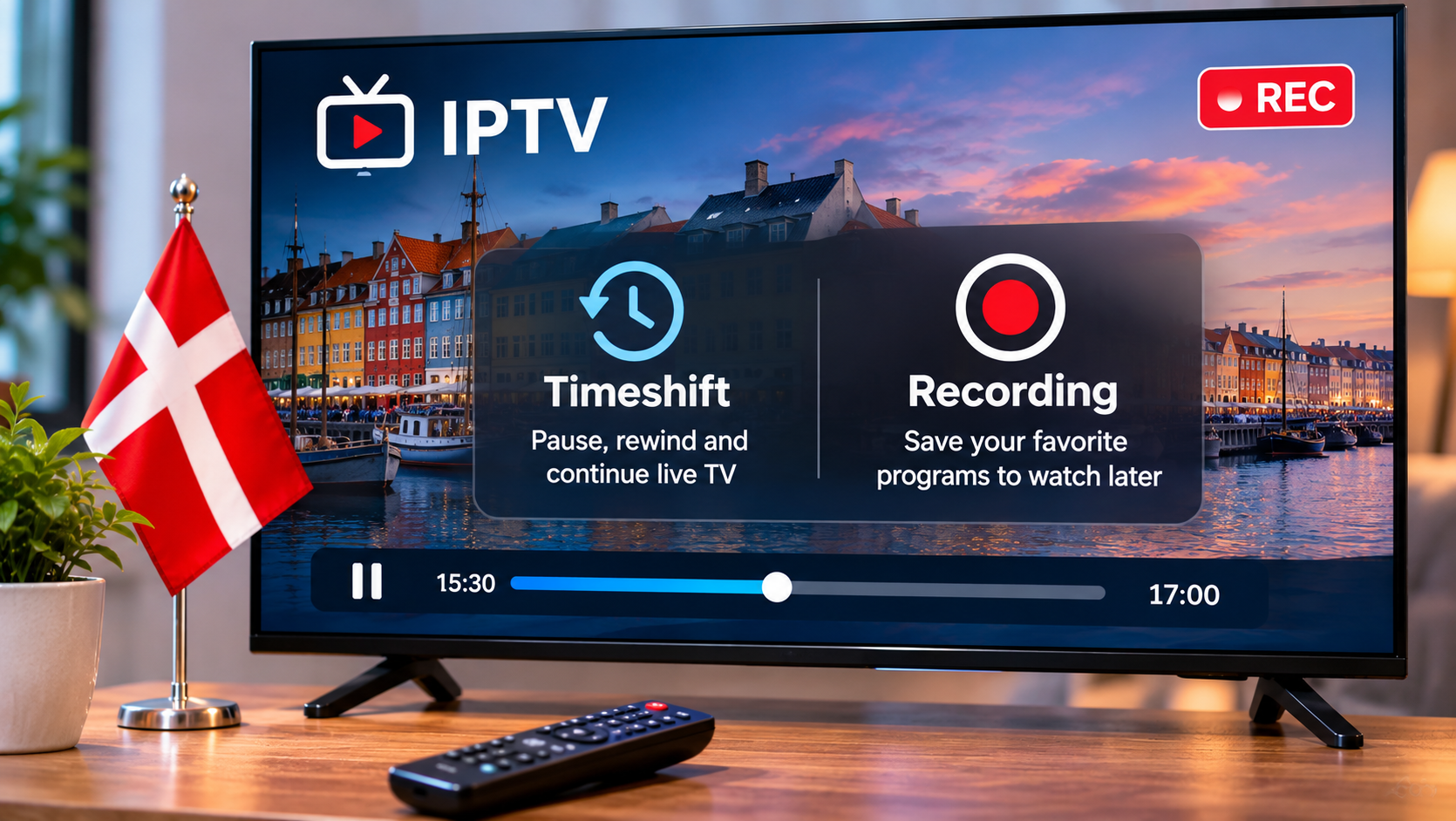
Watching live television through IPTV does not always mean viewers need to follow a programme at the exact moment it is broadcast. Depending on the IPTV service, player, and device, features such as recording, timeshift, catch-up, and pause-live-TV functions may provide greater flexibility.
For viewers in Denmark, these features can be useful for sports, news, television programmes, films, and other scheduled content. However, recording and timeshift are not automatically available with every IPTV setup.
Understanding how these features work can help users choose suitable hardware and applications without assuming capabilities their current setup may not support.
What Is IPTV Recording?
IPTV recording allows compatible software or hardware to save a television stream so it can be watched later.
The concept is similar to recording programmes with a traditional digital video recorder, but IPTV recordings are created from internet-delivered streams.
Depending on the player, recordings may be stored on:
-
Internal device storage
-
USB storage
-
An external hard drive
-
Network storage
-
A computer
The available method depends on the device and IPTV application.
What Is IPTV Timeshift?
Timeshift allows viewers to temporarily control a live television stream.
For example, a compatible setup may allow users to:
-
Pause live television
-
Resume from the paused position
-
Rewind part of a live programme
-
Return to the current broadcast
The player temporarily stores part of the stream so viewers can move backwards within the available buffer.
Timeshift should not be confused with permanent recording.
Once the temporary buffer is cleared, the content may no longer be available.
Recording vs Timeshift
Although both features give viewers more control over live television, they serve different purposes.
Recording
Recording saves content for later viewing.
A recording may remain available until the file is deleted, provided the application and storage system support this behaviour.
Timeshift
Timeshift is designed for short-term control of live television.
It is useful when someone wants to pause a programme briefly or replay something that happened moments earlier.
What Is Catch-Up TV?
Catch-up is another feature that is sometimes confused with recording.
With catch-up, previous programmes may already be stored by the service rather than recorded locally by the viewer.
Users can then open earlier programmes through the IPTV player when the service and channel support this feature.
The important difference is that local recording depends on the viewer's device, while catch-up availability normally depends on the IPTV provider.
Does Every IPTV Service Support Recording?
No.
Recording availability depends on several factors, including:
-
IPTV service
-
Stream format
-
Player
-
Device
-
Operating system
-
Storage
-
Number of allowed connections
A player may display a recording button even when the current service or device does not support the complete function correctly.
Users should therefore check compatibility rather than assuming recording is included.
Check Your IPTV Player
The player is one of the most important parts of an IPTV recording setup.
Some applications focus mainly on basic playback, while others include television-style features such as:
-
Recording
-
Timeshift
-
EPG
-
Scheduled recordings
-
Catch-up navigation
-
Multiple playlists
-
Favourites
If recording is important, check the player's current feature list before installing or purchasing it.
Recording on Android TV
Android TV devices can provide flexible IPTV setups because many media applications are available for the platform.
A compatible player may support recording to internal or external storage.
Before relying on the feature, check:
-
Available storage space
-
File permissions
-
Player recording support
-
USB compatibility
-
Stream compatibility
Some Android TV devices provide only limited internal storage, making external storage more practical for longer recordings.
Recording on a Smart TV
Recording directly through a Smart TV IPTV application can be more limited.
Samsung, LG, and other television platforms use their own operating systems, and IPTV applications may have fewer storage permissions than applications on dedicated streaming devices.
A television's built-in recording feature for broadcast channels does not automatically mean an IPTV app can use the same recording system.
Check the specific application rather than relying on the television's general specifications.
Recording on a Windows PC
A Windows computer can be useful for viewers who want greater control over IPTV recording.
Compatible software may allow recordings to be saved directly to the computer's storage.
A PC can also provide easier access to:
-
Large hard drives
-
External storage
-
File management
-
Recording folders
-
Network storage
The exact options depend on the IPTV application.
Recording on Fire TV Devices
Fire TV devices can run compatible IPTV applications, but available storage may become an important limitation.
Before recording, check:
-
Free device storage
-
App permissions
-
External storage support
-
Recording destination
-
Player compatibility
Long recordings can consume storage quickly, particularly when the stream has a high bitrate.
How Much Storage Does IPTV Recording Use?
Recording size depends largely on bitrate and duration.
Higher-quality streams generally create larger files.
Factors affecting file size include:
-
Video resolution
-
Bitrate
-
Video codec
-
Audio quality
-
Recording duration
A long HD sporting event may require considerably more storage than a short standard-definition programme.
Users planning regular recordings should monitor available storage rather than waiting until the device is full.
External Storage Can Be Useful
Devices that support USB drives or external hard disks may provide more practical recording capacity.
Before purchasing additional storage, check:
-
Device compatibility
-
Supported file system
-
Maximum storage capacity
-
Available USB ports
-
Player support
The IPTV application must also be able to write recordings to the selected location.
Why Recorded IPTV Sometimes Fails
Several factors can interrupt a recording.
Unstable Internet Connection
IPTV recording depends on receiving the live stream continuously.
If the internet connection drops during the programme, the recording may contain missing sections or stop completely.
Device Storage Is Full
A recording cannot continue when there is no remaining space.
Check available storage before recording long programmes.
Application Is Closed
Some players may need to remain active during recording.
Behaviour varies between devices and operating systems.
Device Goes to Sleep
Power-saving settings can sometimes interrupt recording.
If scheduled recording is important, check how the device behaves when idle.
Can You Record One Channel While Watching Another?
This depends on both the IPTV subscription and the application.
Recording one stream while watching another may require two active connections.
A subscription that permits only one active stream may therefore be unable to support simultaneous recording and viewing.
Users should check their provider's current connection limits before relying on this feature.
Scheduled IPTV Recording
Some advanced players allow users to schedule recordings through the electronic programme guide.
A typical process may involve:
-
Opening the EPG.
-
Selecting a future programme.
-
Choosing Record or Schedule Recording.
-
Confirming the recording location.
-
Leaving the device available at the scheduled time.
The exact process varies between applications.
Why an EPG Is Helpful for Recording
An electronic programme guide makes scheduled recording much easier.
Instead of manually entering start and finish times, users may be able to select a programme directly from the schedule.
A good EPG can display:
-
Programme title
-
Channel
-
Start time
-
Finish time
-
Upcoming programmes
However, inaccurate EPG information can also cause recordings to begin too early or too late.
Check Danish Time Settings
Correct device time is particularly important for scheduled recordings.
For viewers in Denmark, the device should be configured for the correct local timezone.
Automatic date and time settings can help with seasonal clock changes.
If scheduled recordings consistently start at the wrong time, check:
-
Device timezone
-
EPG time offset
-
Automatic clock settings
-
IPTV player settings
Avoid applying unnecessary time adjustments in several different places.
How Timeshift Uses Storage
Timeshift needs temporary storage because the player continuously keeps part of the live stream available.
The amount stored depends on the application.
Some players allow users to configure:
-
Buffer duration
-
Storage location
-
Maximum timeshift size
Longer timeshift periods generally require more storage.
Timeshift and Internet Stability
Timeshift does not remove the need for a stable internet connection.
The device still needs to receive the original live stream.
Weak Wi-Fi or network congestion can produce gaps in the temporary buffer.
For fixed television setups, Ethernet may provide more consistent performance when available.
Check Compatibility Before Choosing a Setup
Recording requirements should be considered before committing to a particular device or IPTV application.
A household interested mainly in straightforward live viewing may not need advanced recording features. Another household may consider scheduled recording and timeshift essential.
Viewers comparing IPTV options and compatible devices for Denmark can include DANMARK IPTV in their research when evaluating subscription choices, supported platforms, and installation information.
The important step is to confirm whether the service, player, and device combination supports the features you actually need.
Internet Speed Still Matters
Recording IPTV does not necessarily require a different type of internet connection from watching the same stream live.
However, additional activity can increase bandwidth requirements.
For example, a household might simultaneously have:
-
One IPTV recording
-
Another live television stream
-
Video streaming on a tablet
-
Online gaming
-
Cloud backups
All of these activities share the same internet connection.
Ethernet vs Wi-Fi for Recording
Wi-Fi can work well when coverage is strong.
However, Ethernet can provide additional stability for devices that remain permanently near the television.
A wired connection may reduce problems caused by:
-
Distance from the router
-
Wireless interference
-
Signal fluctuations
-
Busy neighbouring networks
If recordings frequently contain interruptions, comparing Wi-Fi with Ethernet can be a useful troubleshooting step.
Avoid Recording to Nearly Full Storage
Leaving some free space on the device is sensible.
Extremely low storage can affect both recording and overall application performance.
Periodically review recordings and remove those that are no longer needed.
If recordings are important, consider transferring permitted files to another supported storage location where appropriate.
Organise Recorded Programmes
A growing recording library can become difficult to manage.
Useful organisation methods may include:
-
Programme folders
-
Date-based sorting
-
Film and series categories
-
Favourite recordings
-
Clear file names
Some IPTV players handle this organisation automatically.
Others provide only a basic list of saved files.
Recording Sports
Sport is one area where recording and timeshift can be particularly useful.
A viewer may want to:
-
Pause a live match
-
Replay a recent moment
-
Record an event for later
-
Start watching after the event has begun
However, live sports streams can be demanding because they often use higher bitrates.
Network stability and available storage become especially important during long events.
Recording Films and Series
Films and television episodes may also be recorded when the service, content rights, and player permit it.
Before creating large libraries, consider whether the same programme is already available through video on demand.
Recording something that is readily available in the VOD library may unnecessarily consume device storage.
Recording vs Video on Demand
Recording saves a live broadcast.
VOD provides a title that can generally be started independently from the live television schedule.
For viewers who mainly watch films and series, VOD may reduce the need for local recording.
Recording remains more relevant for scheduled television, live events, or programmes not available on demand.
Recording Across Multiple Devices
A household may use IPTV on a television, phone, tablet, or computer.
Recordings created on one device are not automatically available on every other device.
Whether recordings can be shared depends on:
-
Player
-
File format
-
Storage location
-
Device permissions
-
Service restrictions
Do not assume that a programme recorded on an Android TV box will automatically appear on a mobile IPTV application.
Protect Recording Storage
External storage can contain personal viewing information and other files.
Treat removable storage carefully.
Avoid connecting important drives to unknown devices or applications.
If a storage device contains irreplaceable personal files, consider using a separate drive for television recordings.
Keep the IPTV Player Updated
Recording and timeshift features depend heavily on software.
Application updates may fix issues involving:
-
Scheduled recording
-
EPG integration
-
Storage permissions
-
Playback
-
Timeshift
-
Device compatibility
Use official or trusted application sources whenever possible.
Keep the Streaming Device Updated
The device operating system can also influence recording reliability.
Updates may improve:
-
Storage handling
-
Network performance
-
App permissions
-
Security
-
Video playback
Restart the device after significant updates before testing scheduled recording again.
Troubleshooting Failed Recordings
If a recording fails, check the setup systematically.
Check Free Storage
Confirm that sufficient space is available.
Test the Channel
Make sure the stream itself plays normally.
Check the Network
An unstable connection can interrupt recording.
Review App Permissions
The IPTV player may need permission to write files to storage.
Check Recording Location
Make sure the selected destination is still connected and accessible.
Test a Short Recording
Before scheduling a long programme, record a few minutes of live television.
If the short test works correctly, the basic configuration is probably functioning.
Recording Does Not Fix Buffering
Recording is not a workaround for a poor network connection.
If the original IPTV stream buffers, the recording may contain the same interruptions.
Resolve network problems first by checking:
-
Internet performance
-
Router placement
-
Wi-Fi signal
-
Ethernet connection
-
Household network activity
A stable incoming stream is the foundation of a reliable recording.
Consider Content Rights
Recording television content can involve legal and contractual restrictions.
IPTV technology itself does not determine whether a programme can legally be recorded, stored, or redistributed.
Licensing, copyright rules, provider conditions, and personal-use restrictions may apply.
Viewers in Denmark should follow current Danish regulations and the terms associated with the content and IPTV service they use.
Recorded content should not automatically be assumed to be available for redistribution or public sharing.
Final Thoughts
IPTV recording and timeshift can make live television more flexible, but support depends on the complete setup.
The IPTV service, player, streaming device, storage system, internet connection, and number of permitted streams can all affect whether recording works reliably.
For viewers in Denmark, the best approach is to decide which features matter before choosing hardware or software. If scheduled recording is important, check EPG support and storage options. If the main goal is simply pausing live television, timeshift support may be enough.
Testing a short recording, maintaining sufficient storage, keeping software updated, and using a stable network can help create a more dependable IPTV viewing experience.

 English
 Arabic
 French
 Spanish
 Portuguese
 Deutsch
 Dutch
 Italiano
 Russian
 Romaian
 Portuguese (Brazil)
 Greek