

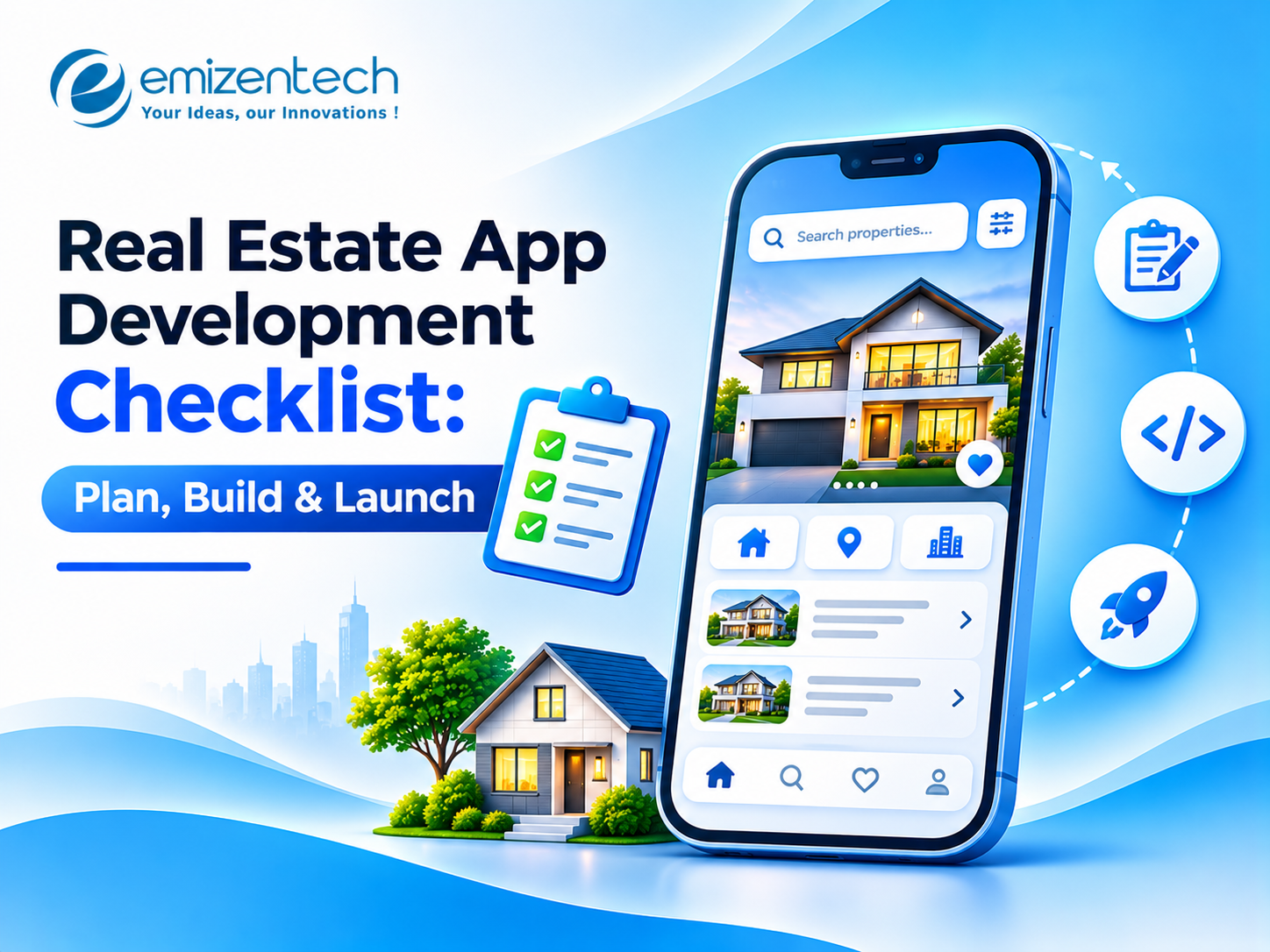
Real Estate App Development Checklist: Plan, Build & Launch
Most property apps don’t fail because of bad code. They fail because of unclear planning, missing integrations, or a launch with no listings and no users. A checklist helps you catch those problems early. This guide covers what to finalize before you plan, build, and launch your app so you stay on budget and on schedule.
Plan: Checklist Before You Start Development
Planning decides most of your cost and timeline. Settle each point below before design or coding begins, because later changes are far more expensive.
Define your users: Decide whether you are serving buyers, renters, landlords, agents, or investors. A student rental app needs very different tools than a luxury resale portal.
Study competitors: Review Zillow, Redfin, and local portals. Read their app store reviews to find what users complain about, since those gaps are your opening.
Choose a niche: Focus on one segment, such as city-level rentals, commercial leasing, or short-term stays. A narrow product is easier to launch and market.
Pick a revenue model: Options include featured listings, agent subscriptions, lead fees, and advertising. Start with one or two that fit your audience.
List your features: Split them into must-have and nice-to-have. Search, listings, accounts, and chat belong in version one, while AR tours and AI valuation can wait.
Set budget and timeline: An MVP and an enterprise platform can differ by well over $100,000, so get a detailed estimate first.
Check legal needs: Review data privacy rules, property listing regulations, and local requirements for storing user documents.
Bring in a technical partner early: A real estate app development company can review your scope, flag integration risks, and give realistic estimates before you commit.
Build: Checklist During Development
Once the plan is approved, the build phase turns it into a working product. Review progress in short cycles so problems surface while they are still cheap to fix.
-
Finalize the design: Approve wireframes and a clickable prototype before development starts, and test each flow with real users.
-
Choose platforms: Decide between iOS, Android, and web. Many teams pick Flutter or React Native for cross-platform mobile app development to save time and budget.
-
Select the tech stack: Pick a backend such as Node.js, Python, or Laravel, a database like PostgreSQL or MongoDB, and a cloud provider that scales during traffic spikes.
-
Plan integrations early: Property data usually comes from MLS and IDX feeds. Add Google Maps or Mapbox for map search, a payment gateway like Stripe, and Twilio for alerts.
-
Build core features first: Filters, map search, saved searches, in-app chat, viewing requests, and an agent lead dashboard come before anything else.
-
Build in security: Use encryption, secure login, and role-based access. Property apps hold personal documents and payment details, so security can’t wait until the end.
-
Test on real devices: Check search speed, payments, and notifications across different phones. A slow map or broken alert sends users to a competitor.
-
Hold sprint reviews: Short demos every two weeks keep the project aligned and catch misunderstandings before they become reworked.
Launch: Checklist Before and After Going Live
A launch is more than uploading the app to a store. The first weeks decide whether users stay, so prepare content, support, and tracking in advance.
-
Complete final QA: Fix critical bugs and retest search, payments, and registration.
-
Prepare store listings: Write a clear description, add screenshots, and choose keywords for the App Store and Google Play.
-
Load starting data: An empty marketplace loses users fast. Add verified listings and onboard your first agents or landlords before launch.
-
Set up analytics: Install crash reporting and event tracking to see where users drop off.
-
Plan launch marketing: Local social media, agent partnerships, and referral offers work well. Start with one city, then expand.
-
Create a support process: Decide who answers user questions, how fast, and through which channel.
-
Schedule maintenance: Plan security patches, OS updates, and feature releases. Yearly upkeep often runs around 15–20% of the build cost.
-
Track the right KPIs: Watch active users, inquiries per listing, lead conversion, and retention, not downloads alone.
How to Choose the Right Real Estate App Development Company
The right partner affects quality, speed, and long-term support. Compare a few agencies instead of choosing on price alone.
-
Real estate experience: Ask for similar projects, such as marketplaces, rental platforms, or agent tools, and check that they are still live.
-
Portfolio and reviews: Read case studies and client feedback on Clutch and GoodFirms.
-
Integration skills: Confirm experience with MLS and IDX feeds, map APIs, payment gateways, and CRM tools.
-
Clear process: Look for agile sprints, regular demos, and a dedicated project manager.
-
AI capability: If you want recommendations, valuation, or chatbots, ask for examples of AI features they have shipped.
-
Support and legal terms: Make sure the agreement covers post-launch maintenance, an NDA, and full ownership of your code.
Conclusion
budget, and integrations, test early with real people, and launch with live listings so visitors find value on day one. With 12+ years in the industry and 50+ real estate projects behind it, EmizenTech works with startups, brokers, and property developers on everything from rental platforms to agent tools like Build360 and RoomMate. Share your checklist with the team and get a clear scope and estimate through a free consultation.
FAQs
1. What should I do before building a real estate app?
Define your users, research competitors, choose a niche and revenue model, list your features, and set a budget and timeline.
2. How long does it take to build a real estate app?
A basic MVP usually takes three to four months. A full platform with integrations and AI features can take six to nine months or longer.
3. What features should a real estate app have at launch?
Property search with filters, map view, listing pages, user accounts, saved searches, in-app chat, and an agent or landlord dashboard.
4. What is the cost of real estate app development?
It depends on features, platforms, and integrations, so request a detailed estimate after a discovery call.

 English
 Arabic
 French
 Spanish
 Portuguese
 Deutsch
 Turkish
 Dutch
 Italiano
 Russian
 Portuguese (Brazil)
 Greek