

OEM Diagnostic Software: A Professional Guide to Vehicle Diagnostics and Repair
Modern vehicles, heavy-duty trucks, and industrial equipment rely on advanced electronic systems to monitor performance and control essential functions. When a warning light appears or a mechanical issue develops, technicians need reliable diagnostic tools to identify the problem. OEM diagnostic software helps professional mechanics and repair workshops communicate with compatible vehicle systems, retrieve diagnostic information, and investigate faults more efficiently.
What Is OEM Diagnostic Software?
OEM diagnostic software is a specialized computer program designed to communicate with electronic control units (ECUs) installed in vehicles and equipment. OEM stands for Original Equipment Manufacturer. This software is generally developed or authorized for use with particular manufacturers, brands, or equipment systems.
Depending on the supported application, diagnostic software can help technicians read fault codes, review live sensor information, monitor system performance, and access available service functions. Some applications also support configuration, system testing, and maintenance-related procedures.
Unlike basic code readers, professional diagnostic applications may provide more detailed information about specific vehicle systems. However, available features depend on the manufacturer, software version, vehicle model, and diagnostic interface being used.
Why Is OEM Diagnostic Software Important?
Electronic systems have become increasingly complex. Modern trucks and heavy equipment may contain multiple control modules responsible for engine operation, transmission performance, braking systems, and other functions.
Without suitable diagnostic equipment, identifying an electronic fault can take considerable time. OEM-compatible software provides technicians with information that can help narrow down possible causes.
Important benefits include:
-
Accurate fault identification: Retrieve diagnostic trouble codes from supported control modules.
-
Live data monitoring: Review available sensor readings and operating information.
-
System testing: Perform supported diagnostic tests to investigate specific problems.
-
Maintenance support: Access available service and maintenance functions.
-
Improved troubleshooting: Use vehicle-specific diagnostic information to guide repair decisions.
-
Workshop efficiency: Organize diagnostic work and reduce unnecessary investigation.
These capabilities can help repair professionals make better-informed decisions during maintenance and troubleshooting.
Key Features of Professional Diagnostic Software
The features available in OEM diagnostic applications vary between manufacturers. Nevertheless, several functions are commonly important to professional technicians.
1. Reading and Clearing Diagnostic Trouble Codes
One of the most useful functions is retrieving diagnostic trouble codes, commonly known as DTCs. These codes indicate that a control module has detected an issue or an operating condition outside an expected range.
Technicians can use the available code descriptions and supporting diagnostic information to investigate the cause. Clearing a code should only happen after the underlying issue has been properly evaluated and addressed.
2. Live Data Monitoring
Live data allows technicians to observe information reported by supported vehicle sensors and control modules. Depending on the application, this may include engine temperature, pressure readings, speed information, and other operating parameters.
Comparing live readings with manufacturer specifications can help identify unusual behavior and support a more accurate diagnosis.
3. Control Module Communication
Vehicles often contain several electronic control units. Professional diagnostic software may communicate with supported modules to retrieve information and perform available diagnostic procedures.
The exact modules and functions depend on the vehicle and software compatibility.
4. Component and System Testing
Some diagnostic applications provide active tests that allow technicians to evaluate selected components or systems. These functions can help determine whether a component responds as expected.
Testing procedures should always follow the applicable manufacturer instructions and safety requirements.
5. Service and Maintenance Functions
Certain OEM applications support maintenance-related operations, service resets, and other workshop procedures. Availability differs by manufacturer, vehicle configuration, and software authorization.
OEM Diagnostic Software for Heavy-Duty Trucks
Heavy-duty trucks operate under demanding conditions and use sophisticated electronic systems. Their diagnostic requirements can differ significantly from those of passenger vehicles.
Professional truck technicians may need to investigate engine faults, transmission problems, sensor issues, communication errors, and other system-related concerns.
Suitable diagnostic software can help identify available control modules, retrieve fault information, and monitor operating data. When combined with a compatible diagnostic interface, it can support more organized troubleshooting.
Before choosing a solution, technicians should confirm that the software supports the truck manufacturer, model, engine configuration, and relevant control modules.
Diagnostic Software for Construction and Agricultural Equipment
Construction machinery and agricultural equipment also depend on electronic control systems. Excavators, loaders, tractors, harvesters, and other machines may use specialized software for diagnostics and maintenance.
Equipment technicians may need to investigate engine performance, hydraulic control systems, transmission functions, and electronic communication problems.
The right diagnostic application can provide access to supported machine information and help technicians follow appropriate troubleshooting procedures. Compatibility is particularly important because different equipment generations may use different control units, communication protocols, and software versions.
How to Choose the Right OEM Diagnostic Software
Selecting diagnostic software requires more than comparing product names or advertised features. A solution that works with one vehicle may not support another, even when both belong to the same manufacturer.
Consider the following factors before making a selection:
-
Manufacturer compatibility: Confirm that the software supports the required vehicle or equipment brand.
-
Model and year coverage: Check the supported production years and specific models.
-
Engine compatibility: Verify the engine type and relevant electronic control systems.
-
Diagnostic interface: Make sure the required adapter, communication device, or cable is supported.
-
Operating system: Review the computer specifications and software requirements.
-
Available functions: Confirm whether the application offers the diagnostic and service functions you need.
-
Licensing and updates: Understand activation requirements, subscription terms, and update availability.
-
Technical support: Check whether assistance is available for installation and compatibility questions.
Reviewing these details before purchasing can help prevent compatibility problems and unnecessary expenses.
The Role of Diagnostic Laptops and Interfaces
OEM diagnostic software generally needs compatible computer hardware and a suitable communication interface to connect with vehicle systems.
A diagnostic laptop provides the computing environment for installing and running the application. The diagnostic interface connects the computer to the vehicle or equipment through a supported diagnostic port.
Different manufacturers and applications may require different communication devices, adapters, or cables. Therefore, technicians should confirm the complete hardware requirements rather than assuming that one interface works with every system.
A properly configured diagnostic setup can make workshop procedures more convenient and organized.
Safe and Responsible Diagnostic Practices
Diagnostic software is a technical tool, and its use requires appropriate knowledge. Technicians should follow manufacturer procedures, verify diagnostic findings, and avoid making unsupported changes to electronic control systems.
Before performing programming or configuration operations, it is important to confirm the correct vehicle identification, software version, and control module details. Stable power supply and suitable workshop procedures may also be necessary.
Required emissions controls and safety-related functions must remain compliant with applicable laws. Diagnostic work should focus on identifying faults, maintaining equipment, and carrying out lawful repairs.
Explore OEM Diagnostic Software Solutions
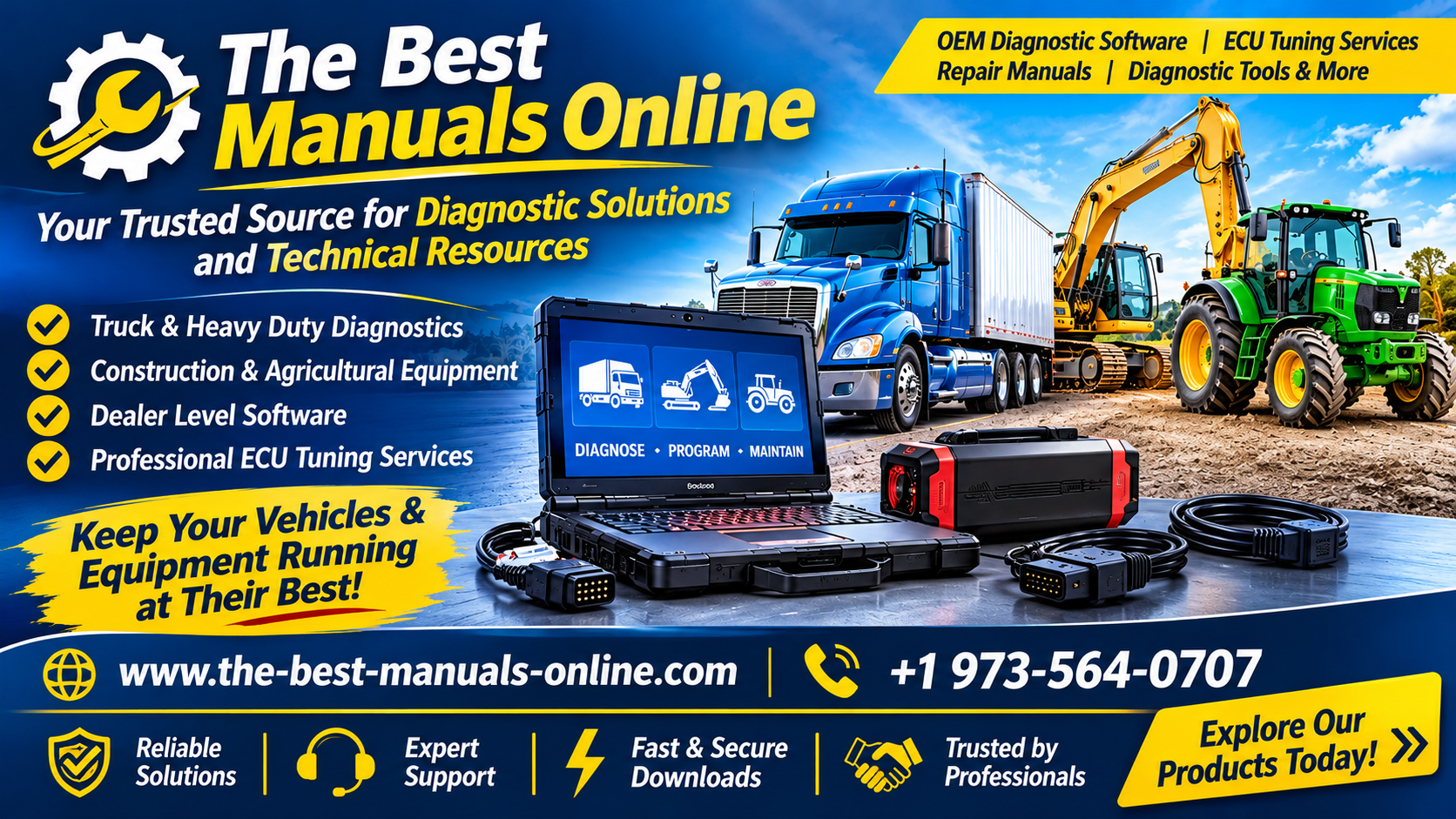
The Best Manuals Online provides diagnostic software and related technical resources for professionals working with heavy-duty trucks, diesel engines, commercial vehicles, construction equipment, and agricultural machinery.
Mechanics, fleet technicians, and repair workshops can explore available diagnostic products and review their supported applications. Before ordering, customers should verify vehicle compatibility, hardware requirements, licensing information, and the functions included with each product.
Choosing suitable OEM diagnostic software can support a more organized approach to troubleshooting and equipment maintenance. With the correct application, compatible hardware, and professional knowledge, technicians can investigate electronic faults more effectively and make informed repair decisions.

 English
 Arabic
 French
 Spanish
 Portuguese
 Deutsch
 Turkish
 Italiano
 Russian
 Romaian
 Portuguese (Brazil)
 Greek