


What Is FortiNAC? Features, Architecture, and How It Works
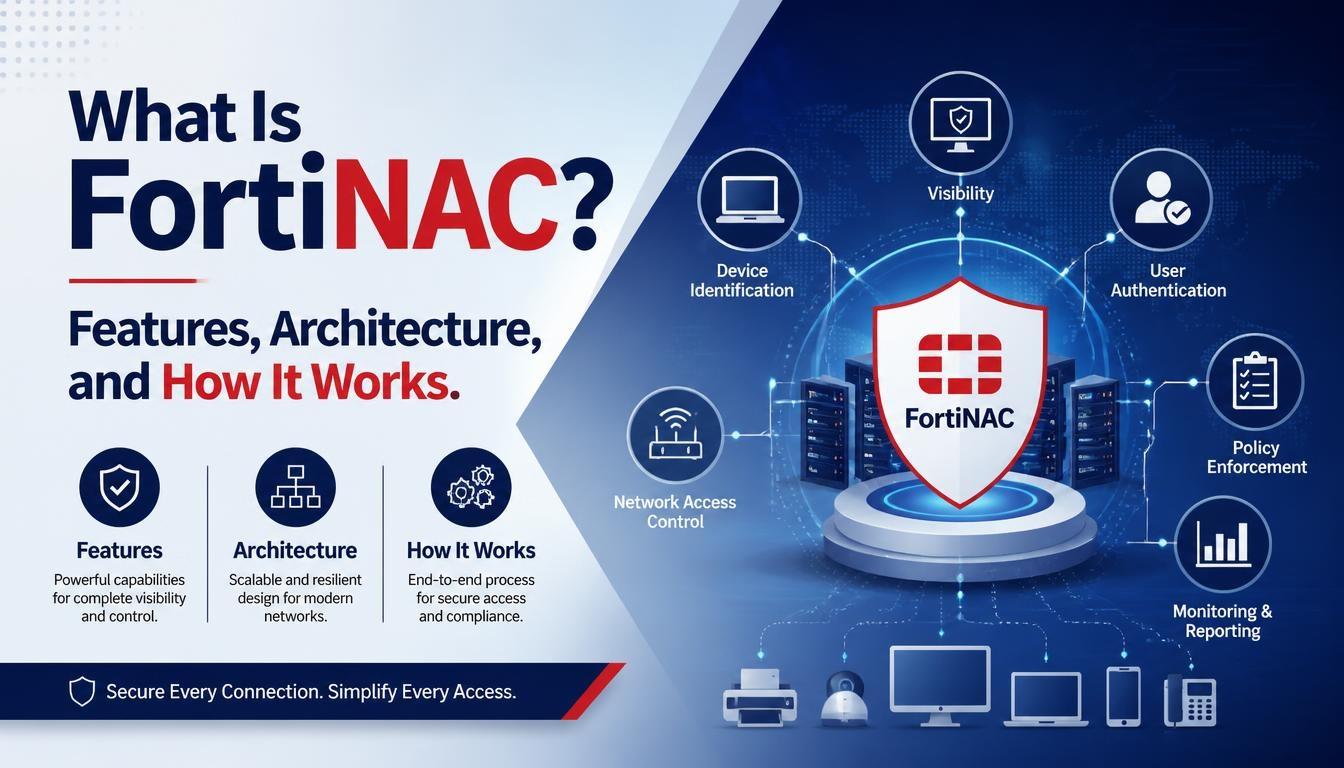
FortiNAC is a Network Access Control (NAC) solution developed by Fortinet to identify, monitor, and control devices connected to enterprise networks. It helps organizations manage network access and protect their IT infrastructure from unauthorized devices.
With FortiNAC Training, network professionals can understand how network access control works, how devices are identified, and how security policies are applied across different network environments.
What Is FortiNAC?
FortiNAC is a network security solution that provides visibility and control over devices connecting to an organization's network. It identifies different endpoint devices, including computers, smartphones, printers, IP cameras, and Internet of Things (IoT) devices.
It helps network administrators determine which devices can access specific network resources based on predefined security policies. When an unknown or unauthorized device connects, FortiNAC can identify it and trigger appropriate access control actions.
FortiNAC also integrates with existing network infrastructure and security solutions, allowing organizations to manage access across wired and wireless environments.
Why Is FortiNAC Important for Network Security?
Enterprise networks support multiple users, devices, applications, and locations. Managing access manually can become difficult, especially when organizations have a large number of connected endpoints.
FortiNAC helps address these challenges through:
-
Device visibility: Identifies devices connected to the network.
-
Access control: Restricts unauthorized devices from accessing protected resources.
-
Network segmentation: Separates devices into different network segments based on security requirements.
-
Endpoint monitoring: Monitors device activities and security status.
-
Automated response: Triggers predefined actions when suspicious devices or activities are detected.
-
Guest management: Provides controlled network access for visitors and contractors.
These capabilities help organizations maintain better control over their network environments.
Key Features of FortiNAC
FortiNAC includes several features designed to improve network visibility, access management, and security enforcement.
1. Network Device Discovery
FortiNAC automatically discovers devices connected to the network. It collects information from network infrastructure such as switches, routers, wireless access points, and other connected systems.
This helps administrators maintain an updated inventory of network devices and identify unfamiliar endpoints.
2. Device Profiling and Classification
Device profiling helps identify the type and characteristics of connected endpoints. FortiNAC uses different profiling methods to classify devices such as laptops, smartphones, printers, and IoT equipment.
Administrators can use this information to apply appropriate access policies based on device types and security requirements.
3. Network Access Control
FortiNAC allows administrators to define access policies based on users, devices, and network conditions.
For example, an employee's laptop may receive access to internal business applications, while a guest device may receive access only to the guest network.
4. Network Segmentation
Network segmentation divides a network into smaller sections to control communication between devices.
FortiNAC can work with network infrastructure to assign devices to appropriate VLANs or enforce segmentation policies. This helps limit unnecessary access to sensitive network resources.
5. Guest and BYOD Management
Organizations often allow visitors, contractors, and employees to connect personal devices to corporate networks.
FortiNAC supports guest access and Bring Your Own Device (BYOD) management by providing controlled onboarding and access based on organizational policies.
6. Security Integration and Automation
FortiNAC integrates with Fortinet Security Fabric products and supported third-party network devices. These integrations help organizations coordinate security responses.
For example, when a suspicious endpoint is identified, FortiNAC can trigger predefined actions to restrict its network access.
FortiNAC Architecture Explained
FortiNAC uses an out-of-band architecture. This means it does not normally sit directly in the path of regular user network traffic. Instead, it communicates with network infrastructure to collect device information and enforce access policies.
Its architecture includes several important components.
1. Control Server
The Control Server manages network device communication and coordinates network access control activities. It helps process information received from connected infrastructure.
2. Application Server
The Application Server handles application-level functions, including the management interface, database operations, and network visibility information.
3. Network Infrastructure
Network infrastructure includes switches, routers, wireless access points, and firewalls. These devices communicate with FortiNAC through supported protocols and integrations.
4. Endpoint Devices
Endpoint devices include computers, smartphones, printers, cameras, and IoT equipment. FortiNAC identifies and classifies these devices to determine their appropriate network access.
The Control and Application Server functions may be deployed together or across separate components depending on the deployment design.
How Does FortiNAC Work?
FortiNAC follows a process to identify connected devices, evaluate their access requirements, and enforce network security policies.
Step 1: Device Discovery
When a device connects to a monitored network, FortiNAC collects information through supported network protocols and integrations.
Step 2: Device Identification
It analyzes available device information and characteristics to determine the device type and identity.
Step 3: Policy Evaluation
FortiNAC checks the device against configured network access policies. These policies determine whether the device meets the required access conditions.
Step 4: Access Enforcement
Based on the policy results, FortiNAC can allow, restrict, or assign the device to an appropriate network segment through supported network infrastructure.
Step 5: Continuous Monitoring
FortiNAC continues monitoring connected devices and network events. If a device becomes suspicious or violates defined policies, it can initiate an automated response.
Benefits of Using FortiNAC
FortiNAC offers several benefits for organizations managing large and complex networks:
-
Provides centralized visibility into connected devices.
-
Helps identify unauthorized endpoints.
-
Supports network access policy enforcement.
-
Improves IoT and BYOD device management.
-
Reduces manual network administration tasks.
-
Supports network segmentation and security automation.
-
Integrates with multi-vendor network infrastructure.
FortiNAC Use Cases in Enterprise Networks
FortiNAC can support different network environments and security requirements.
-
Corporate networks: Controls employee and visitor access to internal resources.
-
Healthcare networks: Helps identify and manage connected medical and IoT devices.
-
Educational institutions: Manages access for students, staff, and guest devices.
-
Industrial networks: Provides visibility into operational technology (OT) and connected equipment.
-
Large enterprises: Supports centralized device visibility and access management across multiple locations.
Conclusion
FortiNAC plays an important role in enterprise network security by providing device visibility, network access control, endpoint identification, and automated security responses. Its out-of-band architecture allows organizations to manage network access through existing infrastructure without placing it directly in the regular traffic path.
Understanding its architecture, device profiling, policy enforcement, and network integration is useful for network and security professionals. Fortinet FortiNAC Training helps professionals build knowledge of these concepts and understand how FortiNAC is used to manage and secure modern enterprise networks.

 English
 Arabic
 French
 Spanish
 Portuguese
 Deutsch
 Turkish
 Dutch
 Russian
 Romaian
 Portuguese (Brazil)
 Greek