


How Do You Evaluate the Reliability of a DaaS Provider?
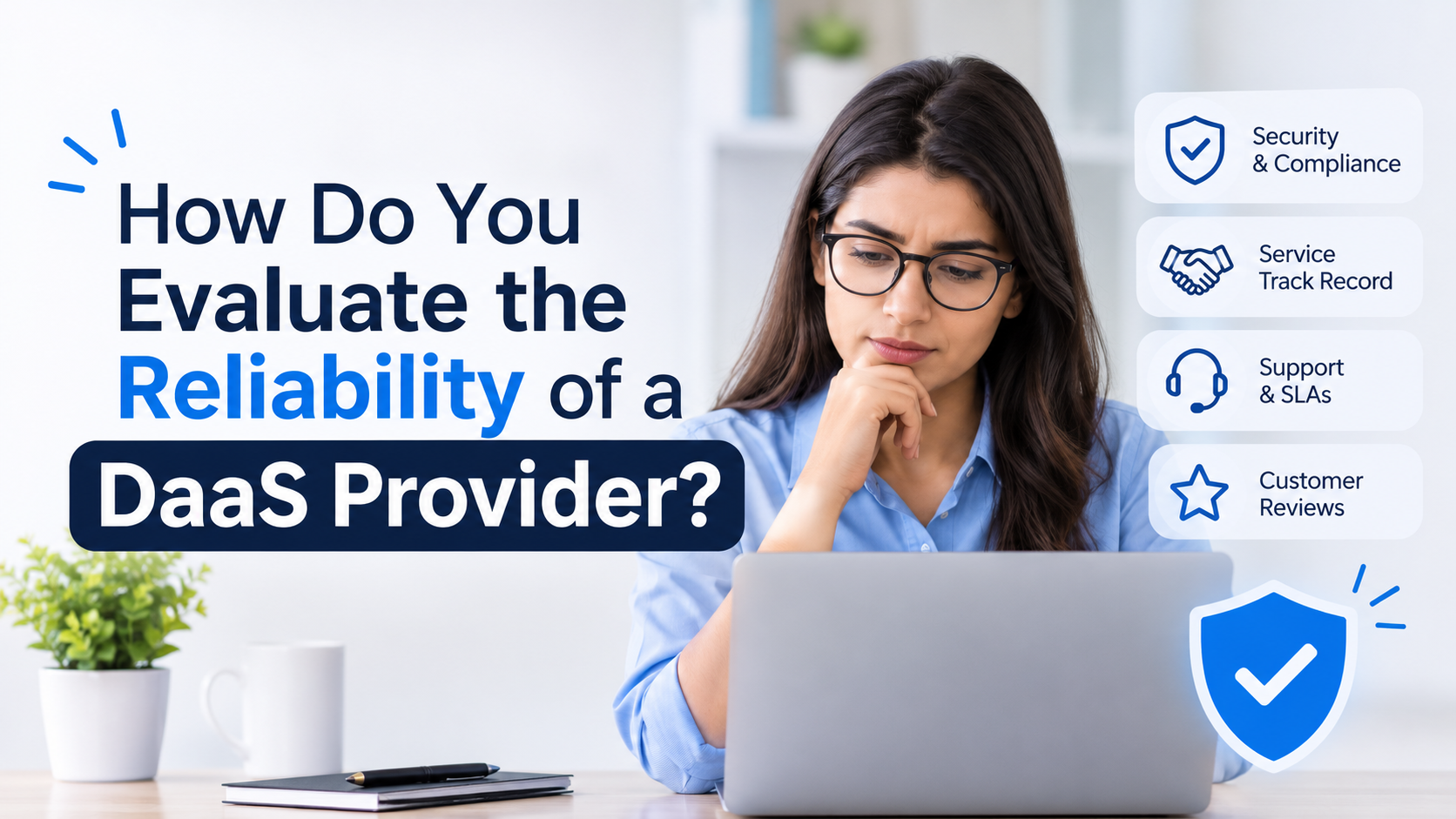
Desktop as a Service (DaaS) has become a go-to model for businesses that need secure, flexible access to virtual desktops without managing physical infrastructure. But the value you get depends almost entirely on who runs it. A weak provider means slow desktops, unexpected downtime, security gaps, and surprise bills. A strong one becomes a quiet, dependable part of your IT stack.
So how do you tell the difference? This guide walks through the key criteria for evaluating DaaS providers, the questions to ask, and the red flags to watch for before choosing.
Why Reliability Matters When Choosing DaaS Providers
With DaaS, your employees' desktops, applications, and data live in the provider's cloud. If that environment goes down, your workforce stops working. If it is breached, your business data is exposed. That is why reliability is not just a technical checkbox. It directly affects productivity, compliance, and revenue.
A reliable provider delivers consistent performance, protects your data, supports you when something breaks, and is transparent about how it operates. Here is how to verify each of those.
1. Check Uptime Guarantees and the SLA
The Service Level Agreement (SLA) is the first document to read. Look for:
-
Uptime commitment: 99.9% is a common baseline, and some DaaS providers offer 99.95% or higher. Remember that 99.9% still allows roughly 8.7 hours of downtime per year.
-
Measurement method: Is uptime measured per month or per year? Does it exclude scheduled maintenance?
-
Financial remedies: Credits or refunds when the provider misses its commitment show real accountability.
-
Support response times: The SLA should define response and resolution targets by severity level.
A vague SLA, or one with no penalties, is a warning sign.
2. Evaluate Security and Compliance Credentials
Security is where reliability and trust meet. Strong DaaS providers should be able to show:
-
Data encryption in transit and at rest
-
Multi-factor authentication (MFA) and role-based access controls
-
Regular security audits and penetration testing
-
Certifications such as SOC 2, ISO 27001, and, where relevant, HIPAA, GDPR, PCI DSS, or FedRAMP
-
Endpoint and network protections, including firewalls, intrusion detection, and DDoS mitigation
Ask for audit reports rather than relying on marketing claims. If your industry is regulated, confirm the provider has experience supporting your specific compliance requirements.
3. Look at Infrastructure and Data Center Quality
The underlying infrastructure determines performance and resilience. Ask the provider:
-
Where are the data centers located, and are they Tier III or higher?
-
Is there geographic redundancy, so a regional outage does not take you offline?
-
What hardware and hypervisor technology powers the desktops?
-
Are there data center locations near your users to minimize latency?
Proximity matters. A desktop hosted far from your team will feel sluggish no matter how powerful the servers are.
4. Test Performance Before You Commit
Specs on paper do not tell you how a virtual desktop feels in daily use. The best way to judge DaaS providers is hands-on:
-
Request a free trial or proof of concept with your real applications.
-
Test during peak hours to see how performance holds up under load.
-
Check how graphics-heavy or resource-intensive apps behave.
-
Evaluate the experience across devices, networks, and remote locations.
If a provider is reluctant to offer a trial, consider that a red flag.
5. Review Backup and Disaster Recovery Capabilities
Reliable DaaS providers plan for failure. Ask about:
-
Backup frequency and retention periods
-
Recovery Time Objective (RTO) and Recovery Point Objective (RPO)
-
Whether disaster recovery is included or sold as an add-on
-
How often recovery procedures are actually tested
A provider that cannot clearly explain how fast you can recover from an outage or data loss is not ready to host your business.
6. Assess Customer Support Quality
When a desktop will not load at 8 a.m. Monday, support quality becomes the most important feature. Evaluate:
-
Availability: Is support 24/7/365 or limited to business hours?
-
Channels: Phone, chat, email, and ticketing options
-
Expertise: Will you reach a knowledgeable engineer or a generic help desk?
-
Onboarding and migration help: Does the provider guide you through setup?
Test this during your trial. Submit a ticket and see how quickly and thoughtfully they respond.
7. Understand Pricing Transparency and Contract Terms
Reliable DaaS providers are upfront about costs. Look closely at:
-
Per-user, per-month pricing and what it includes
-
Charges for storage, bandwidth, backups, or support
-
Setup, migration, and termination fees
-
Contract length, renewal terms, and the ability to scale up or down
-
Data ownership and exit terms, including how you retrieve your data if you leave
Hidden fees and rigid lock-in clauses often signal a provider that is not confident it can keep you through service quality alone.
8. Verify Scalability and Flexibility
Your business will change, and your provider should keep up. Confirm that you can:
-
Add or remove users quickly, including for seasonal or project-based staff
-
Customize desktop configurations, operating systems, and software
-
Integrate with your existing identity providers, such as Microsoft Entra ID (Azure AD)
-
Support hybrid and remote work models
9. Research Reputation and Track Record
Finally, look beyond the sales pitch:
-
Read customer reviews on independent platforms
-
Ask for case studies and references from companies similar to yours
-
Check how long the provider has been in business and how it handled past incidents
-
Look for a public status page that shows historical uptime and incident reports
A provider that openly communicates about outages and fixes is usually more trustworthy than one that claims it never has any.
Quick Checklist for Evaluating DaaS Providers
-
Is the SLA clear, with uptime guarantees and financial remedies?
-
Does the provider hold recognized security and compliance certifications?
-
Are data centers redundant and located close to your users?
-
Did a trial confirm acceptable real-world performance?
-
Are backup and disaster recovery plans documented and tested?
-
Is support available 24/7 with knowledgeable staff?
-
Is pricing transparent, with fair exit terms?
-
Can the service scale with your business?
-
Do independent reviews and references back up the provider's claims?
Common Red Flags to Avoid
-
No published SLA or uptime history
-
Unwillingness to share security audits or certifications
-
No trial or proof-of-concept option
-
Pricing that is unclear or full of add-ons
-
Limited or outsourced support with slow response times
-
Long lock-in contracts with no clear data exit process
Conclusion
Choosing among DaaS providers is a decision that affects your team's productivity, your data security, and your IT budget for years. By examining SLAs, security credentials, infrastructure, performance, disaster recovery, support, pricing, scalability, and reputation, you can separate dependable partners from risky ones. Always test before you commit, and always get promises in writing.
If you are looking for a DaaS solutions provider that checks these boxes, Apps4Rent is worth considering. With years of experience delivering cloud hosting and managed desktop solutions, Apps4Rent offers secure, scalable virtual desktops backed by 24/7 support, transparent pricing, and flexible plans that fit businesses of different sizes. Whether you are moving to the cloud for the first time or replacing an underperforming provider, Apps4Rent can help you build a reliable DaaS environment that grows with your business.
Frequently Asked Questions
1. What are DaaS providers?
DaaS providers are companies that host virtual desktops in the cloud and deliver them to users over the internet. They manage the infrastructure, security, updates, and backups, so businesses pay a subscription instead of buying and maintaining their own hardware and servers.
2. What uptime should I expect from reliable DaaS providers?
Most reputable DaaS providers offer an uptime guarantee of at least 99.9%, and some go to 99.95% or higher. Always check how uptime is measured, whether maintenance windows are excluded, and whether the SLA includes credits or refunds when the provider misses its target.
3. Which security certifications should a DaaS provider have?
Look for SOC 2 and ISO 27001 as a baseline. Depending on your industry, you may also need HIPAA, GDPR, PCI DSS, or FedRAMP compliance. Ask for recent audit reports instead of relying only on marketing claims.
4. How can I test the performance of a DaaS provider before signing up?
Request a free trial or proof of concept and run your real applications on it. Test during peak hours, from different locations and devices, and with resource-heavy apps. Also submit a support ticket to see how quickly and clearly the team responds.
5. What are the biggest red flags when comparing DaaS providers?
Watch for a missing or vague SLA, no trial option, unwillingness to share security audits, hidden fees, limited support hours, and long lock-in contracts with no clear process for exporting your data if you leave.

 English
 Arabic
 French
 Portuguese
 Deutsch
 Turkish
 Dutch
 Italiano
 Russian
 Romaian
 Portuguese (Brazil)
 Greek