


How Electronic Programme Guides Help Viewers Navigate Large Television Libraries
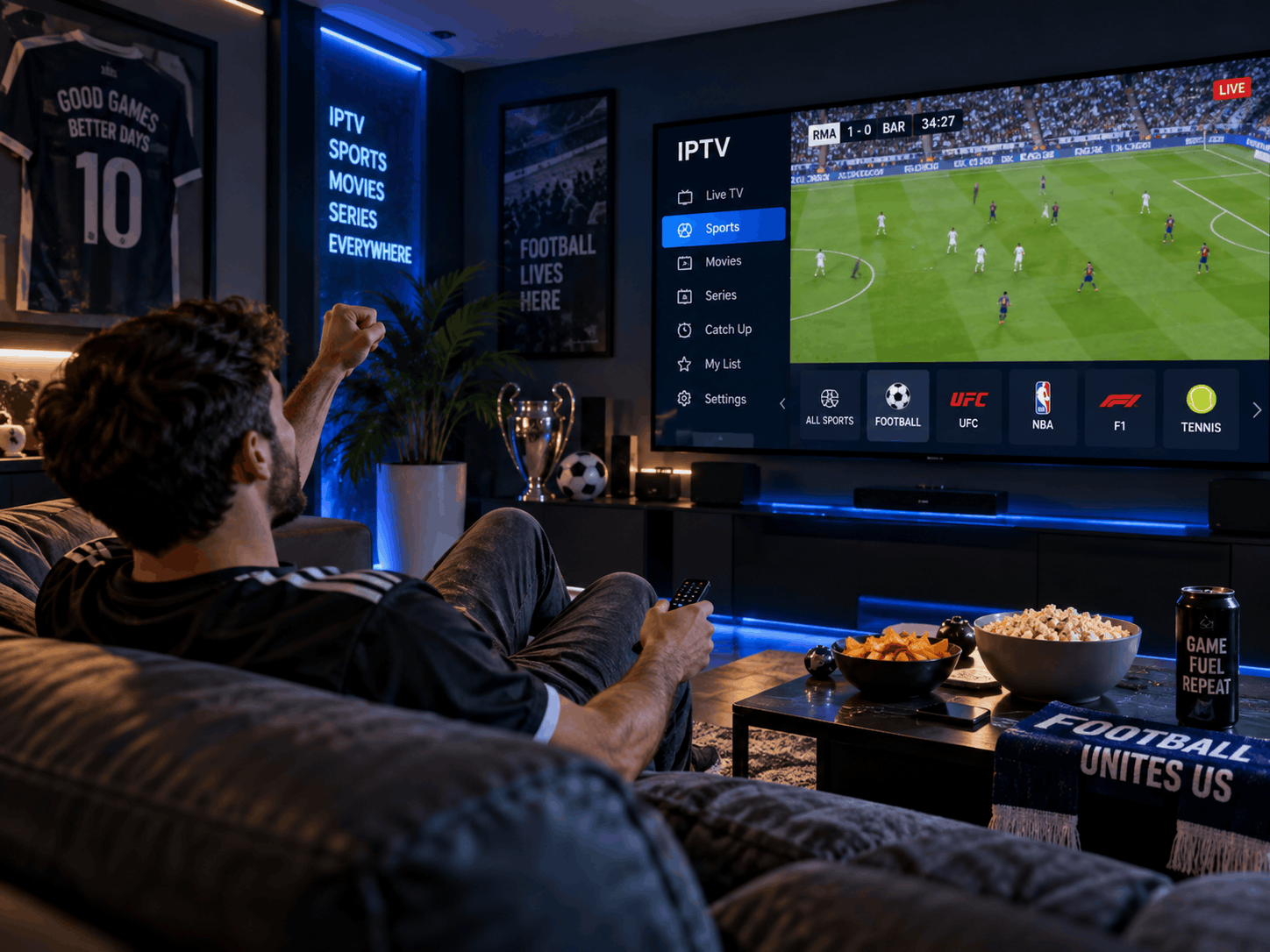
The growing availability of digital television has given viewers access to more channels, films, series, and live broadcasts than ever before. While having a wide selection creates greater entertainment flexibility, it can also make finding something suitable surprisingly difficult. Scrolling through hundreds of channels or browsing an extensive on-demand library can take more time than actually watching a programme.
Electronic Programme Guides (EPGs) help address this challenge by organising television content into an accessible format. They allow viewers to check schedules, explore available channels, review programme information, and identify what is currently showing or coming up next. As television libraries continue to expand, these guides play an increasingly important role in making digital viewing easier to manage.
What Is an Electronic Programme Guide?
An Electronic Programme Guide is a digital interface that displays information about television channels and their programming. It commonly presents a schedule in a grid or list, showing programme titles, broadcast times, descriptions, and channel information.
Traditional television relied on printed schedules or information displayed by broadcasters. Digital television has replaced much of that process with interactive menus that viewers can access directly through a television, set-top box, or compatible application.
A well-organised guide makes programme discovery more convenient by helping viewers understand what content is available without opening every channel individually. Depending on the platform, users may also be able to search for specific titles, filter programmes by category, or view additional information before making a selection.
How EPGs Organise Large Television Libraries
The main purpose of an electronic programme guide is to turn a large amount of programming information into something viewers can understand quickly. Without an organised interface, finding a particular programme among numerous channels can become frustrating.
Channel and Schedule Organisation
Most EPGs display channels alongside their scheduled programmes. A grid-based layout allows viewers to compare what is showing across different channels and see how schedules change throughout the day.
For example, someone interested in sports can review several sports channels to identify upcoming matches. Another viewer might compare film schedules to find a suitable programme for the evening.
This format reduces the need to switch repeatedly between channels just to check what is available.
Programme Categories
Some guides organise content into categories such as sports, films, news, documentaries, children's programming, and entertainment. These categories make it easier to narrow down a large selection.
Instead of browsing every available channel, viewers can focus on the type of content they want to watch. The usefulness of this feature depends on how accurately programmes are classified and how consistently the information is updated.
Search and Filtering Options
More advanced guides may include search tools that allow users to find programmes by title, genre, channel, or other details. Filtering options can also help viewers reduce the number of results displayed.
These features are particularly useful when a television service offers a large selection of channels and on-demand content. A clear search function can save time and make the overall interface feel less complicated.
Why Accurate Programme Information Matters
An electronic guide is only as useful as the information it provides. Incorrect schedules, missing descriptions, or outdated listings can create confusion and reduce viewer confidence.
Reliable Broadcast Times
Accurate scheduling helps viewers know when a programme is expected to begin. This is especially important for live events, where timing may be more significant than it is for recorded entertainment.
However, schedules can change because of sporting delays, breaking news, special broadcasts, or last-minute programming decisions. A good EPG should reflect available schedule updates as quickly as possible.
Clear Programme Descriptions
Titles alone do not always tell viewers enough about a programme. A short description can explain its subject, format, featured participants, or storyline.
This information is useful when several programmes have similar names or when viewers are unfamiliar with a particular channel. Descriptions can also help families identify content that is suitable for different household members.
Consistent Time and Date Information
Digital television services may be accessed from different regions, devices, and time zones. If a guide displays incorrect local times, viewers may miss programmes or misunderstand the schedule.
Correct time-zone handling and regular schedule synchronisation are therefore important parts of a dependable EPG.
The Difference Between EPGs and On-Demand Libraries
Electronic programme guides and on-demand libraries both help viewers find entertainment, but they serve different purposes.
An EPG traditionally focuses on scheduled programming. It shows what is being broadcast now and what is expected to appear later. This makes it particularly useful for live television and channel-based viewing.
An on-demand library, on the other hand, contains content that viewers can select and play whenever they choose. Its interface usually focuses on titles, categories, recommendations, and collections rather than broadcast times.
Some modern television platforms combine these two approaches. A single interface may provide live schedules alongside films, series, and previously broadcast programmes. This integration can make navigation more convenient, provided the different types of content remain clearly organised.
Features That Make an EPG Easier to Use
Not all electronic programme guides offer the same level of functionality. Some provide basic channel schedules, while others include more advanced navigation tools.
Useful features may include:
-
Now and next information: Shows the programme currently playing and what follows.
-
Genre filters: Helps viewers browse specific types of entertainment.
-
Search functions: Makes it easier to locate programmes by title or category.
-
Detailed descriptions: Provides additional information before playback.
-
Favourite channels: Allows users to create a shorter list of regularly watched channels.
-
Reminder functions: Notifies viewers when selected programmes are about to begin, where supported.
-
Responsive navigation: Keeps menus accessible and easy to operate on different screen sizes.
These features should work together without making the interface unnecessarily complicated. A guide with many options is not automatically better if viewers struggle to understand how to use them.
How EPG Design Affects the Viewing Experience
The layout of an electronic programme guide can influence how easily viewers find information. A crowded interface, small text, unclear category labels, or complicated menus can make navigation difficult.
Good design prioritises readability and logical organisation. Programme titles should be easy to distinguish, schedules should be presented consistently, and important information should not be hidden behind too many menu layers.
Accessibility is another important consideration. Larger text options, clear contrast, straightforward remote-control navigation, and support for different interaction methods can make guides more practical for a wider audience.
Performance also matters. If an EPG takes too long to load or becomes unresponsive while browsing, viewers may find it easier to switch channels manually. Fast loading and smooth navigation are particularly important for services containing extensive channel lists.
Practical Tips for Getting More From an Electronic Programme Guide
Viewers can make better use of an EPG by learning a few basic features.
First, explore the guide's category and search options rather than browsing every channel individually. Second, mark frequently watched channels as favourites if the platform supports that feature. Third, review programme descriptions when a title is unfamiliar.
It is also useful to check whether the guide provides reminders or schedule updates. For live sports, news, and special events, updated information can help viewers keep track of changes.
If programme details appear incorrect, restarting the television application or refreshing its guide data may help. Persistent listing problems may require assistance from the television service provider.
Conclusion
Electronic Programme Guides make large television libraries easier to navigate by organising channels, schedules, programme descriptions, and search options into one accessible interface. They help viewers spend less time searching and more time watching content that interests them.
As digital television continues to combine live broadcasts with on-demand entertainment, the importance of clear programme organisation is likely to grow. Accurate information, simple navigation, useful filters, and accessible design will remain essential to creating a convenient television experience.

 English
 Arabic
 French
 Spanish
 Portuguese
 Deutsch
 Turkish
 Dutch
 Italiano
 Romaian
 Portuguese (Brazil)
 Greek