


Extract Verified Emails and Phones: Business Data from Outscraper Explained
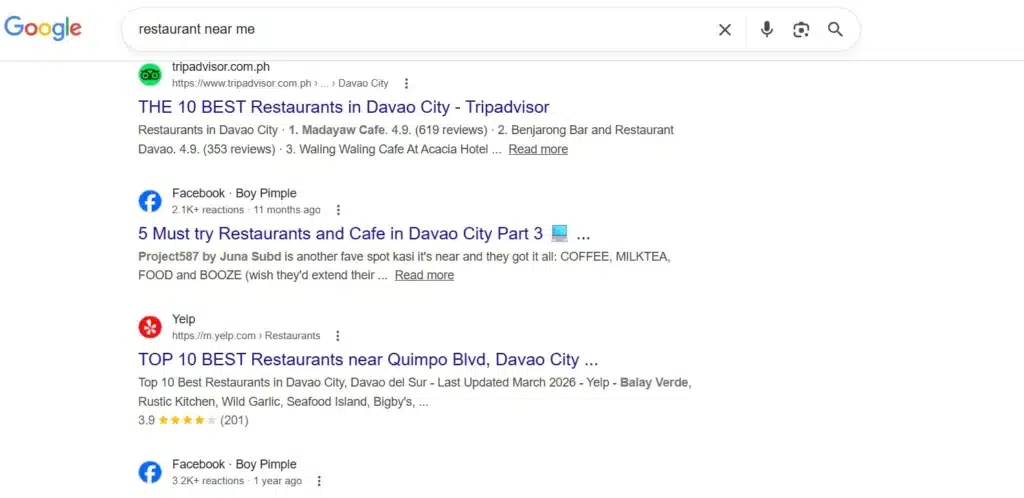
Finding accurate, up-to-date business information used to mean hours of manual searching, copying details from one listing at a time, and hoping the phone numbers were still correct. Google Maps holds an enormous amount of that information already, from business names and addresses to reviews, categories, and contact details, but pulling it out at scale has always been the hard part. Business data from Outscraper was built specifically to solve that problem, turning what used to be a tedious manual task into a process that takes minutes instead of days. Below, we break down the setup process, the data fields available, and practical ways different teams are putting this kind of extraction to work.
Data Freshness and Accuracy
Since the underlying data comes directly from live Google Maps listings, it reflects information that business owners themselves have kept updated, including hours, contact details, and categories. That said, no data source is perfect, and it's good practice to spot-check a sample of results before launching a large outreach campaign, particularly for older or less actively managed listings. Data freshness matters a lot for outreach campaigns, since a phone number or address that was accurate a year ago might not be today. Because searches pull current listings at the time they're run, the results tend to reflect the most recent information available, which is a meaningful advantage over older, static business directories.
Who Uses This Data
Local SEO agencies use this kind of data to identify prospects who could benefit from better online visibility, sales teams use it to build cold outreach lists segmented by city and category, and market researchers use it to map competitive density across regions. Recruiters have even started using similar searches to identify local businesses that might be hiring, while event planners use it to compile vendor and venue shortlists. Franchise development teams often rely on this type of data to evaluate potential markets, comparing the number and density of similar businesses across different cities before deciding where to expand. Nonprofits, similarly, use it to identify local businesses that might be open to sponsorship or partnership conversations. Teams looking to streamline this process often turn to business data from Outscraper for exactly this reason.
Manual Research vs. Automated Extraction
Manually researching even a hundred local businesses, one listing at a time, can easily consume an entire workday once you factor in copying details, checking websites for emails, and organizing everything into a spreadsheet. Automated extraction compresses that same task into minutes, freeing up time for the actual outreach or analysis work that the data was collected for in the first place. Beyond the time savings, automated data collection also tends to be more consistent than manual research, since every record is pulled using the same fields and structure. Manual research is prone to inconsistent formatting, missed listings, and simple human error, especially when a team member is trying to move quickly through a long list of businesses.
Tips for Cleaner Data
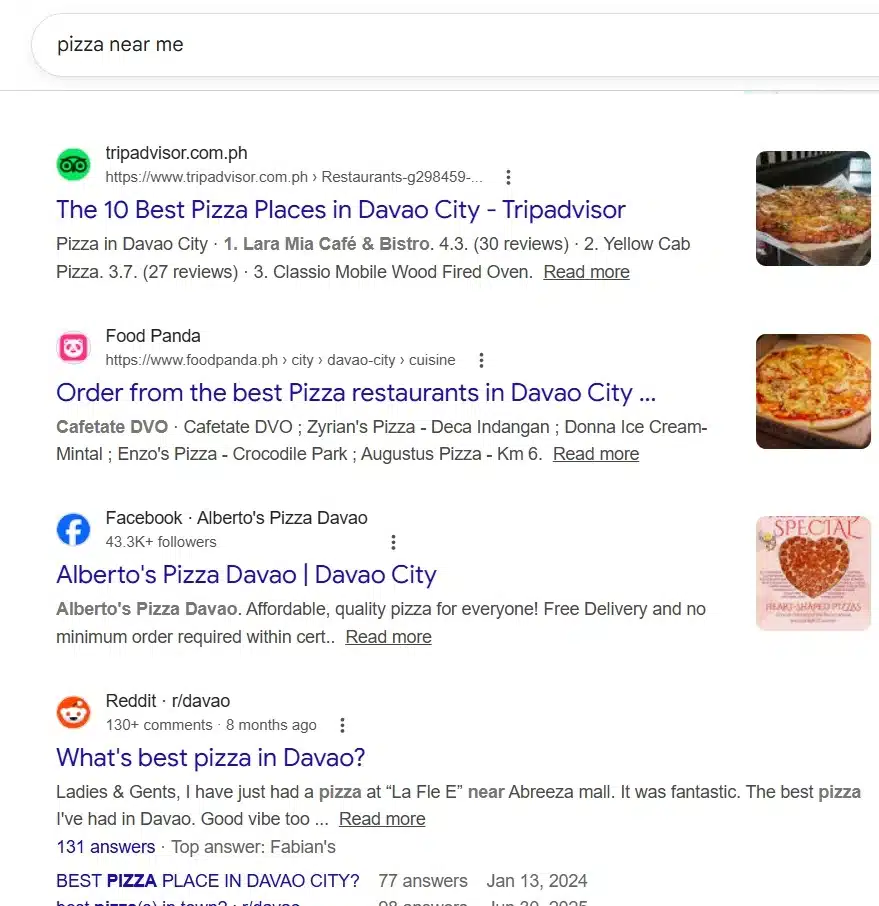
Running narrower, more specific searches generally produces cleaner data than broad, vague queries. Including the business type and a specific city or neighborhood, rather than a wide region, tends to reduce irrelevant results and keeps the exported dataset focused on exactly what's needed. It also helps to review a sample of results early on, checking for duplicate listings, closed businesses that may still appear, or categories that don't quite match what was intended. Catching these issues early saves time compared to discovering them after a list has already been uploaded into an outreach tool.
How the Tool Works
At its core, the tool takes a search query, similar to what you would type directly into Google Maps, and returns structured data for every matching business listing. That includes the business name, full address, phone number, website, category, star rating, number of reviews, and often additional fields like opening hours and social profiles when available. Instead of clicking through dozens or hundreds of individual listings, users get a complete dataset in one export. The process works by running searches across a defined location and business type, then compiling the results into rows and columns rather than a scattered list of map pins. This structured format is what makes the data immediately usable, whether the goal is building a prospect list, mapping out competitors in a region, or feeding a local SEO audit. As more industries find new applications for local business data, from recruitment to event planning to franchise development, tools built specifically for this kind of extraction are likely to keep playing a bigger role in day-to-day workflows.

 English
 Arabic
 French
 Spanish
 Portuguese
 Deutsch
 Turkish
 Dutch
 Italiano
 Russian
 Portuguese (Brazil)
 Greek